

This add-on is part of our Subscription plan.
Subscribe once — enjoy all add-ons without limits.
SMS services
This add-on is a shared layer for sending SMS through several providers. It centralizes sending settings and helps other add-ons work with a single API for SMS messages.
What it is for
The add-on is used to store SMS provider settings in one place, switch between test and live mode, give other add-ons a single way to send SMS, and use multiple providers without setting up each SMS scenario separately in external add-ons.
Key features
Support for multiple SMS providers, a single API for SMS sending, test mode for checks without real sending, per-provider keys, logins, and sender settings, plus Telegram Gateway support and code delivery to Telegram scenarios.
How it works
The add-on stores connection parameters for each provider separately. In live mode, messages are sent through the selected provider API, while in test mode a notification is shown instead of sending. Other add-ons use the shared SMS service and the selected settings. Some providers also support extra parameters such as sender, token, or a Telegram sending flag.
Have questions about the add-on?
- Store Builder
- Store Builder Ultimate
- Multi-Vendor
- Multi-Vendor Plus
- Multi-Vendor Ultimate
- Owners
- English
- Русский
- 4.20
- 4.19.X
- 4.18.X
- 4.17.X
- 4.16.X
- 4.15.X
- 4.14.X
- 4.13.X
Instructions for csc_sms_services
What it does
This add-on is a shared layer for sending SMS through several providers. It centralizes sending settings and helps other add-ons work with a single API for SMS messages.
It can be used with SMS.ru, TurboSMS, TargetSMS, OsonSMS, SMS Xabar, Imobis, SMSC.KZ, SMSC.RU, MTS, and Telegram Gateway.
Where to find it
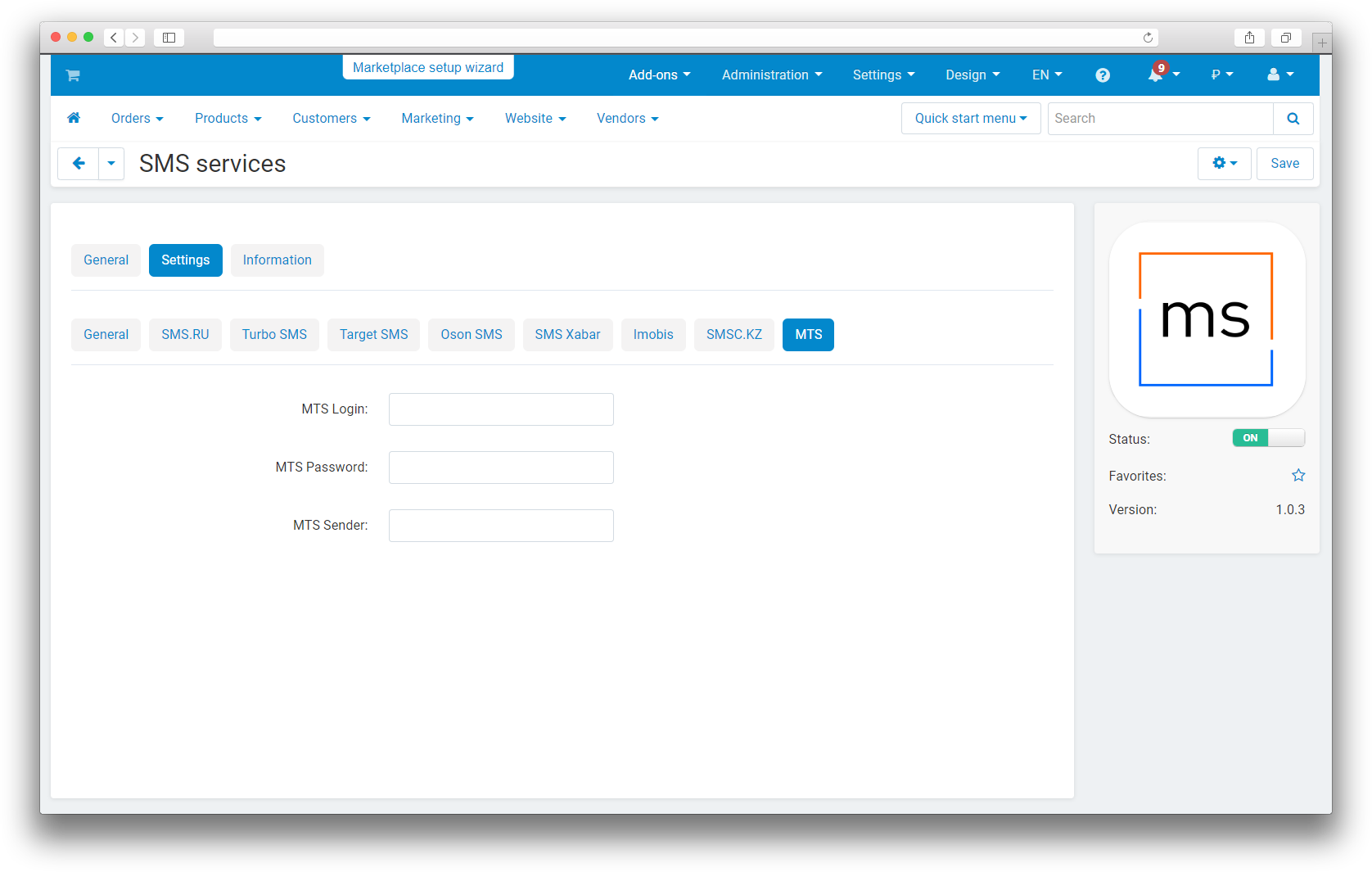
The main settings are located in the SMS services add-on card. In the General section, you choose the operating mode: Test or Live.
Separate sections are available for each provider. There you enter the keys, logins, passwords, tokens, and senders that you received in the provider's account. SMSC.RU also has a setting for sending the code to Telegram.
How it works
The add-on stores connection parameters for each provider separately. In live mode, messages are sent through the selected provider API, while in test mode a notification is shown instead of sending. Other add-ons use the shared SMS service and the selected settings.
The provider settings are grouped by sections:
- SMS.RU , API key and sender.
- TurboSMS , login, password, and sender.
- TargetSMS , login, password, and sender.
- OsonSMS , login, hash, and sender.
- SMS Xabar , login, password, and originator.
- Imobis , token and sender.
- SMSC.KZ , login, password, and sender.
- SMSC.RU , login, password, sender, and a flag for sending the code to Telegram.
- MTS , login, password, and sender.
- Telegram Gateway , API token.
If the add-on is used together with other SMS modules, they rely on this shared sending layer and do not need separate logic for every provider.
How to check it
1. Set the mode to Test and fill in the settings for the needed provider.
2. Trigger SMS sending from the add-on that uses SMS services.
3. Make sure a notification appears on the site in test mode and no real message is sent.
4. Switch the mode to Live and repeat the sending.
5. Check that the SMS is delivered through the selected provider or, for Telegram Gateway, through the configured token.
Change history
v1.2.0 from 2026-01-16
[+] SMS Center: code delivery to Telegram.
[*] Updated the add-on template.
v1.1.0 from 2025-06-16
[+] Added authorization through Telegram Gateway.
[*] Updated language variables.
[*] Updated the add-on logo.
v1.0.4 from 2023-08-29
[+] Added the smsc_ru service.
v1.0.3 from 2023-08-24
[*] Standardized the add-on.
[*] Replaced short <? tags with standard <?php tags.
v1.0.2 from 2023-05-15
[*] Licensing.
Legend:
[+] Added
[-] Removed
[*] Changed
[!] Bug fix
Here you can share your opinion and evaluate our work.
Your feedback helps us become better and offer you even better service.