Иван



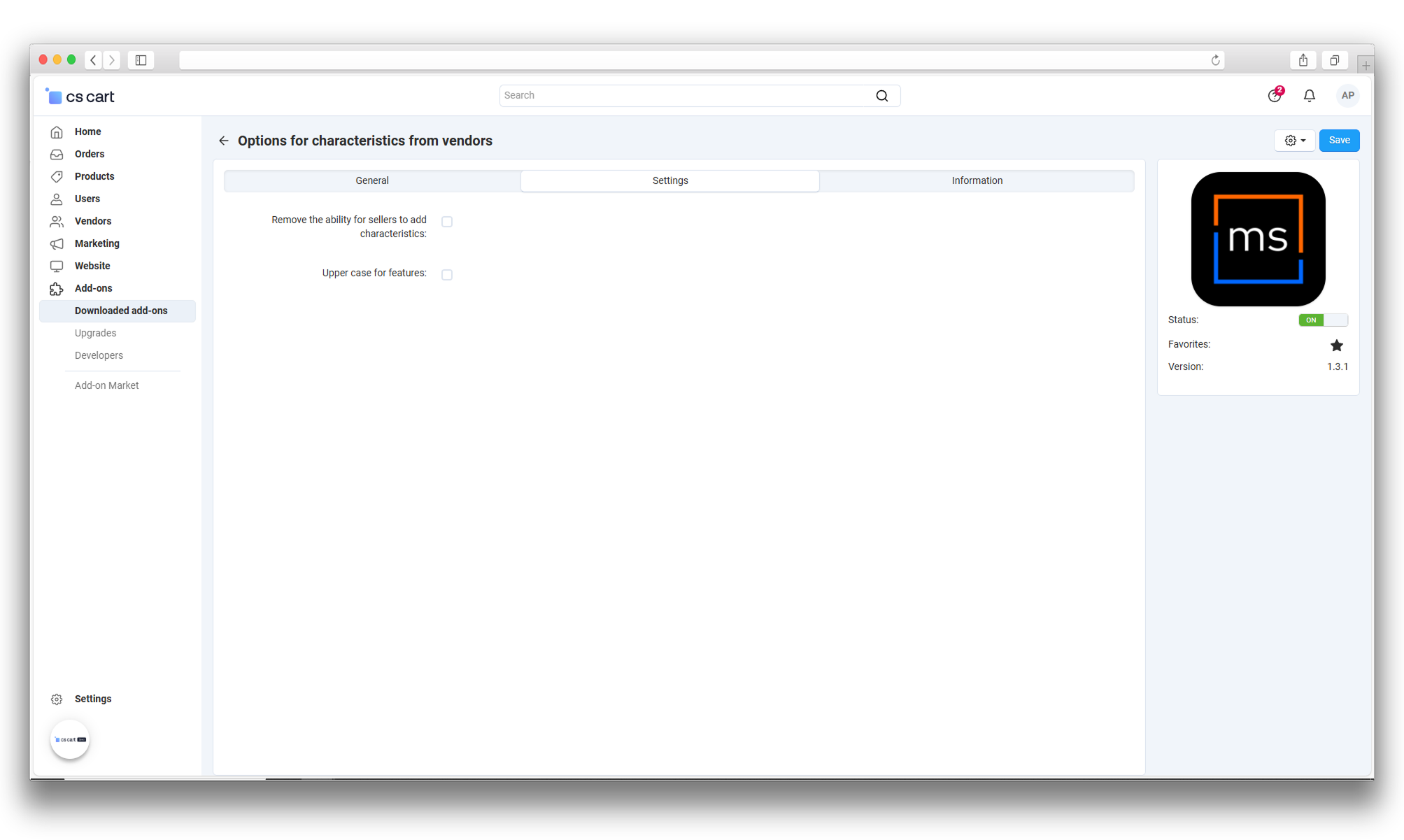
The add-on extends feature management in Multi-Vendor: vendors can add their own feature variants only for features explicitly allowed by the administrator. This helps vendors fill product cards faster without administrator involvement in every new value.
Main Features
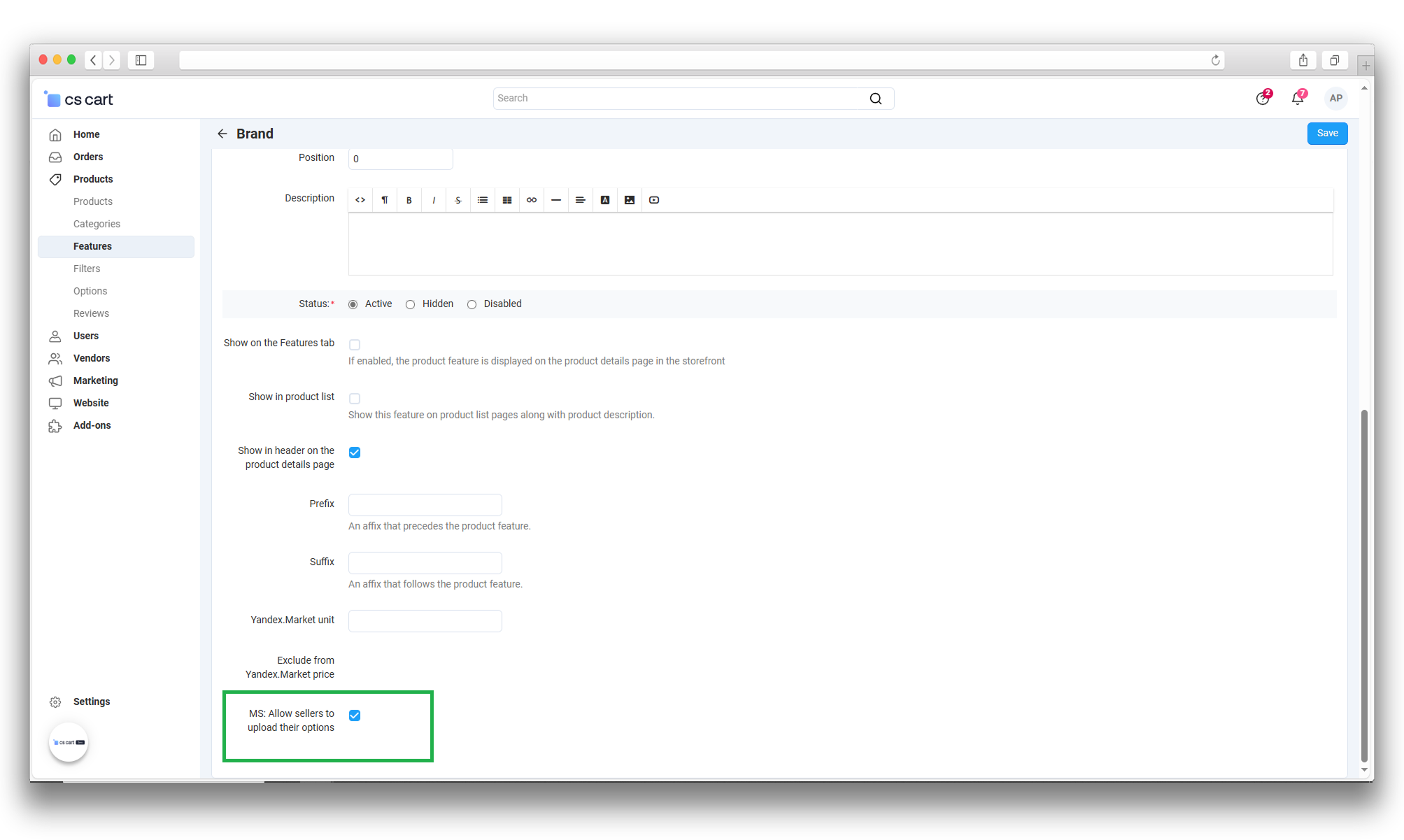
- A dedicated feature flag that allows vendors to create their own variants.
- A module option to disable feature creation by vendors.
- Import support that can create missing feature variants automatically.
- An option to convert imported variants to uppercase.
How It Works
The administrator enables the add-on and marks features where vendor-created variants are allowed. After that, during product editing and import, vendors can submit new values, and the add-on creates required variants automatically for allowed features.
Where to Configure
Administration -> Add-ons -> Vendor Feature Variants.
The additional allow flag is available in the feature editing form in the admin panel.
Product:
- Multi-Vendor
- Multi-Vendor Plus
- Multi-Vendor Ultimate
Recipient:
- Owners
- Vendors
Localization:
- English
- Русский
Compatible versions:
- 4.19.X
- 4.18.X
Installation
- Open Administration -> Add-ons -> Manage add-ons.
- Install Vendor Feature Variants.
- Make sure the add-on is enabled.
Basic Setup
- Open add-on settings.
- Enable the option that restricts feature creation by vendors if needed.
- Enable the uppercase option for imported variants if needed.
Feature Configuration
- Open the required feature in the admin panel.
- Enable the flag that allows vendors to upload their own variants.
- Save the feature.
Import Behavior
During product import, the add-on validates feature values and can create missing variants automatically for features where vendor variants are allowed.
Verification
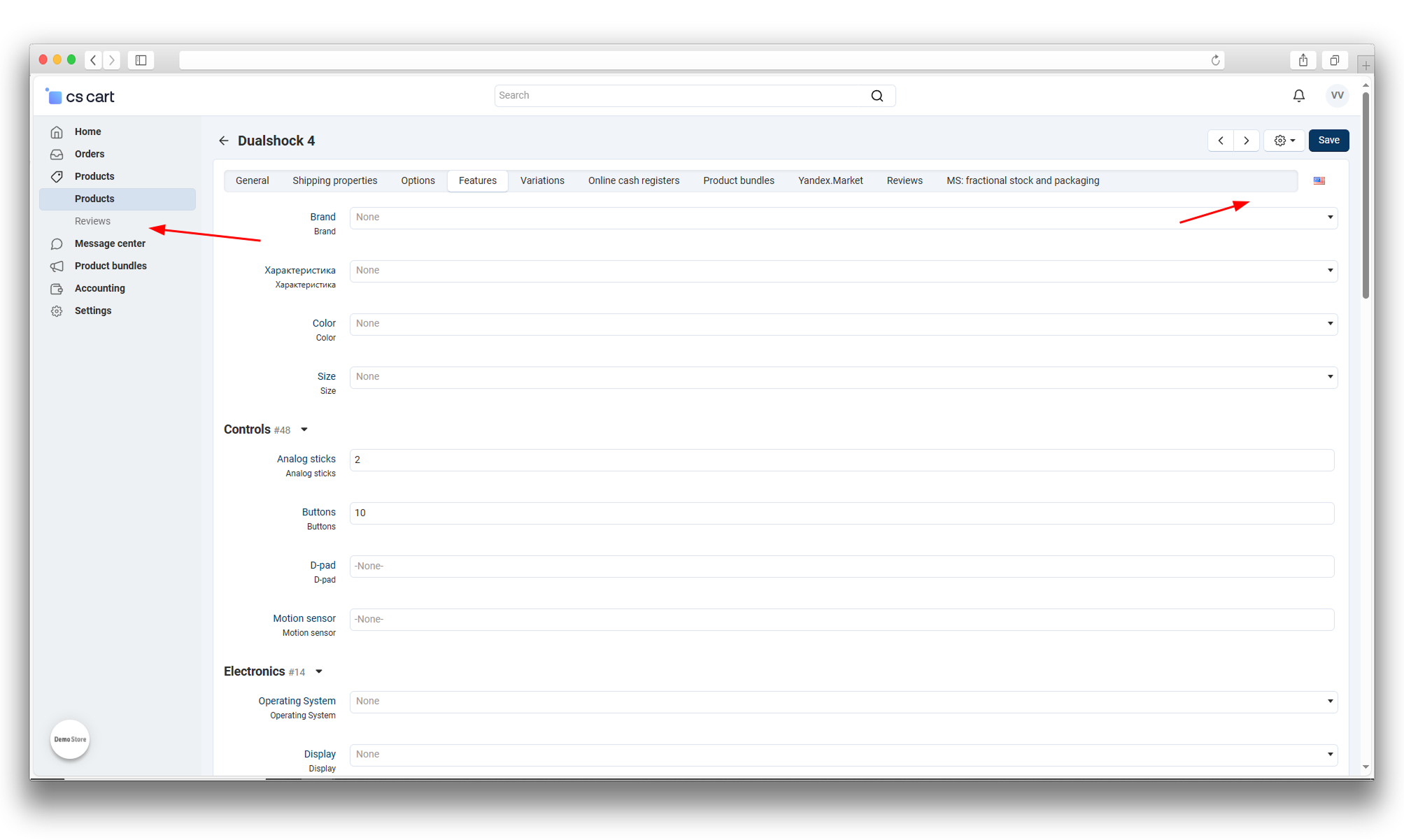
- Under a vendor account, update a product with a new value for an allowed feature.
- Check that the value is saved as a feature variant.
- Run a test import and verify that new variants are created correctly.
v1.4.0
20.03.2026
New features and improvements:
- [+] The add-on was aligned with the current MakeShop template: a documentation tab was added and the admin-side UI was updated.
- [+] The installation process was migrated to database migrations.
- [+] RU/EN language variables were updated for add-on interface and service notifications.
Bug fixes:
- [!] Installation and update flow stability was improved.
v1.3.1
01.03.2025
New features and improvements:
- [+] The "Features" button was hidden for vendors when feature creation is disabled.
- [+] Add-on code was standardized according to template rules.
- [+] Module text files were standardized.
- [+] Module logo was added and icon was updated.
v1.3.0
20.02.2024
New features and improvements:
- [+] Export of multiple images to one field separated by spaces was added.
Bug fixes:
- [!] Fixed an issue where feature variants already present in other features were not exported.
v1.2.2
20.12.2023
Bug fixes:
- [!] Fixed replacement of lowercase variants to uppercase during import when the related option is enabled.
Changed:
- [*] Add-on priority was decreased.
v1.2.1
23.08.2023
Bug fixes:
- [!] Fixed product save when not all variations had string type.
- [!] Fixed uppercase conversion for Cyrillic values.
v1.2.0
18.08.2023
New features and improvements:
- [+] Added a setting to convert feature values to uppercase.
v1.1.0
14.08.2023
New features and improvements:
- [+] Added restriction for vendor feature creation and a corresponding add-on setting.
Changed:
- [*] Short PHP tags `` were replaced with full `
v1.0.3
18.05.2023
New features and improvements:
- [+] Added import of custom variants when the feature option is enabled.
v1.0.2
12.05.2023
New features and improvements:
- [+] Added feature import support for vendors when ecl_exim_features is installed.
v1.0.1
10.05.2023
New features and improvements:
- [+] Added feature variant import for vendors when the feature option is enabled.
Bug fixes:
- [!] Fixed missing file in import schema.
v1.0.0
10.05.2023
New features and improvements:
- [+] Initial release.
Legend:
[+] Added | [-] Removed | [*] Changed | [!] Bug fix
Reviews
Сергей