
Save 48%



Banking Details and Invoices
This add-on is part of our Subscription plan.
Subscribe once — enjoy all add-ons without limits.
Banking Details and Invoices helps stores accept orders from legal entities, sole proprietors, individuals, and self-employed customers: collect the required details, automatically fill in organization data through DaData, and generate invoices for payment.
What it is for
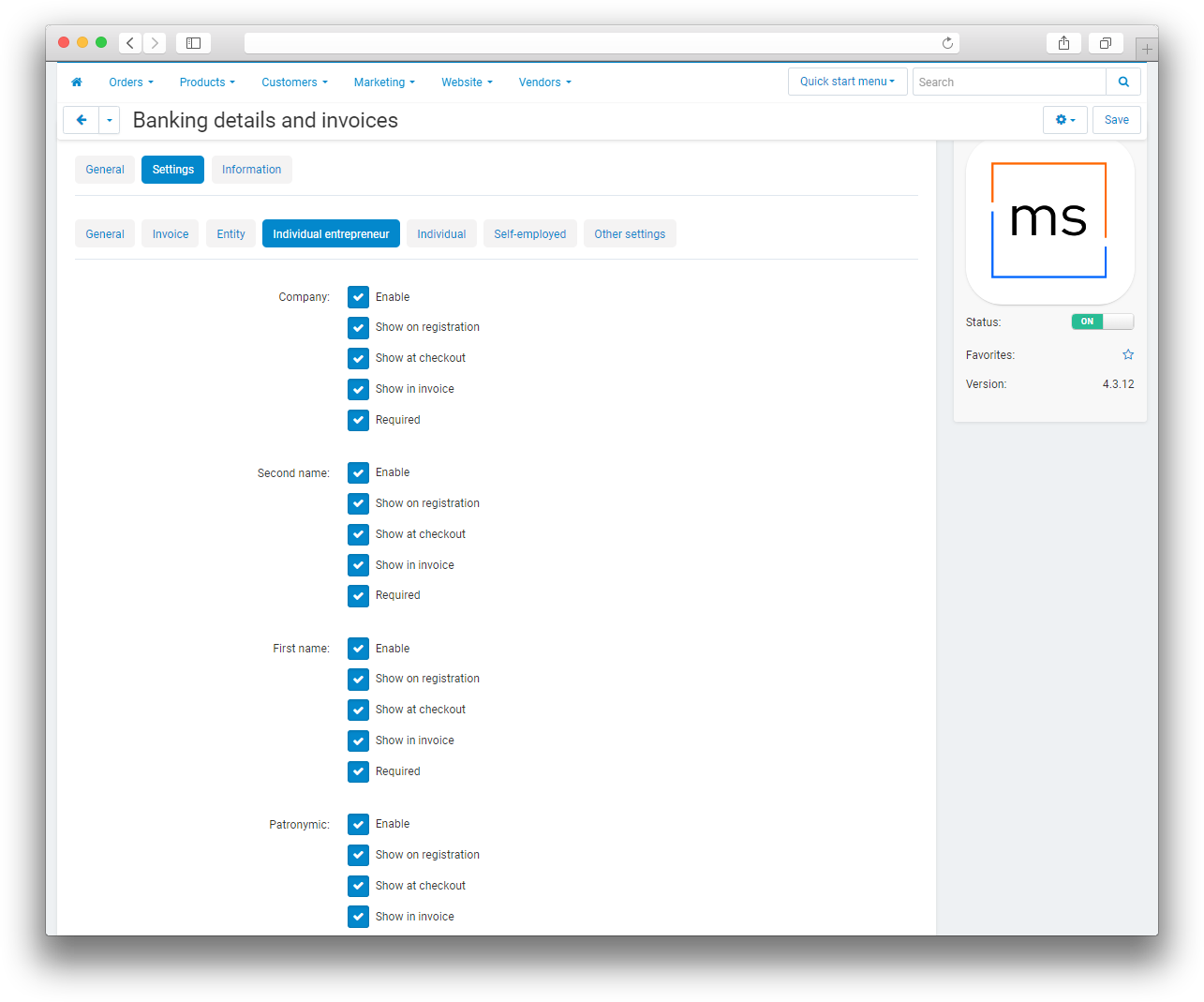
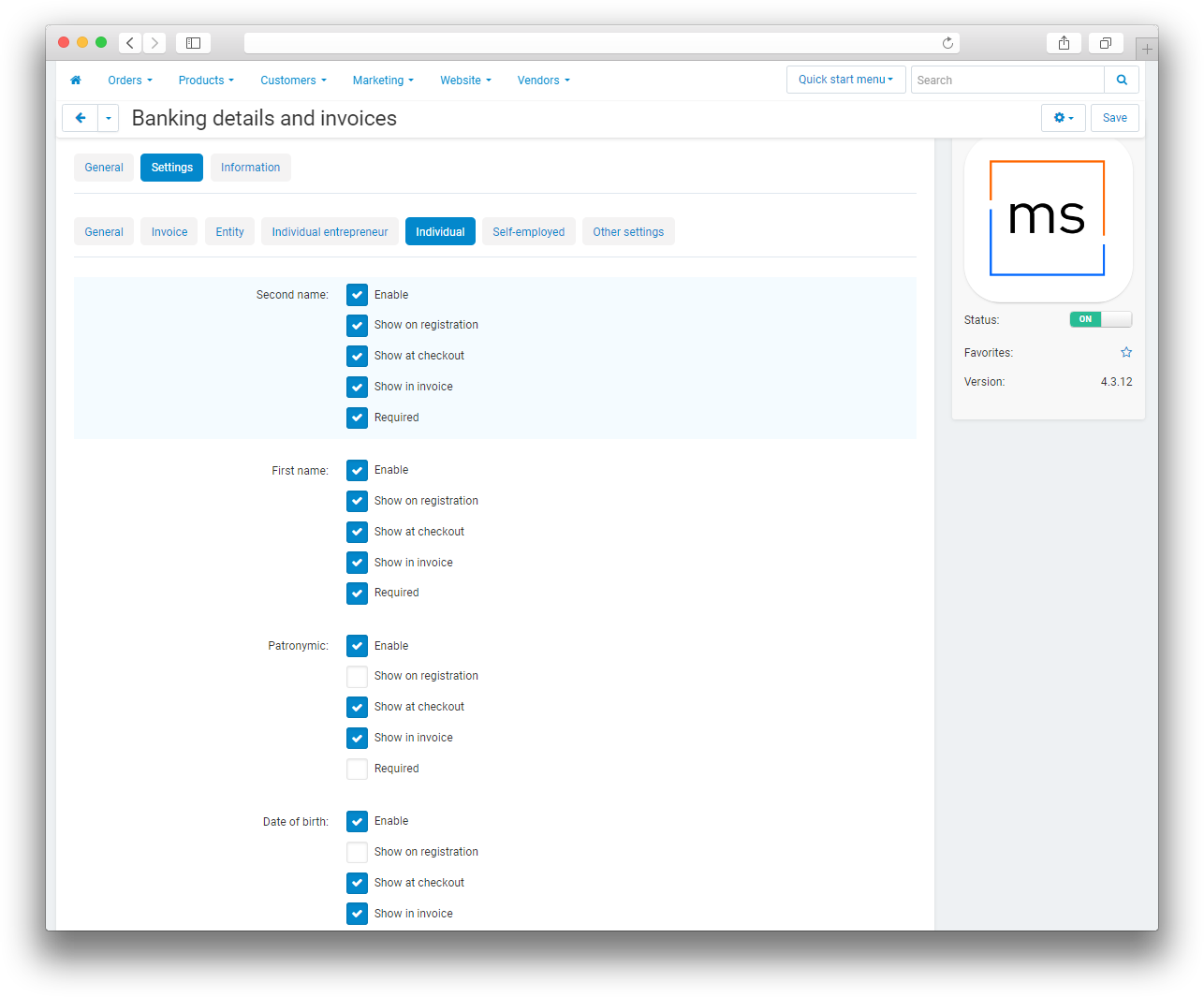
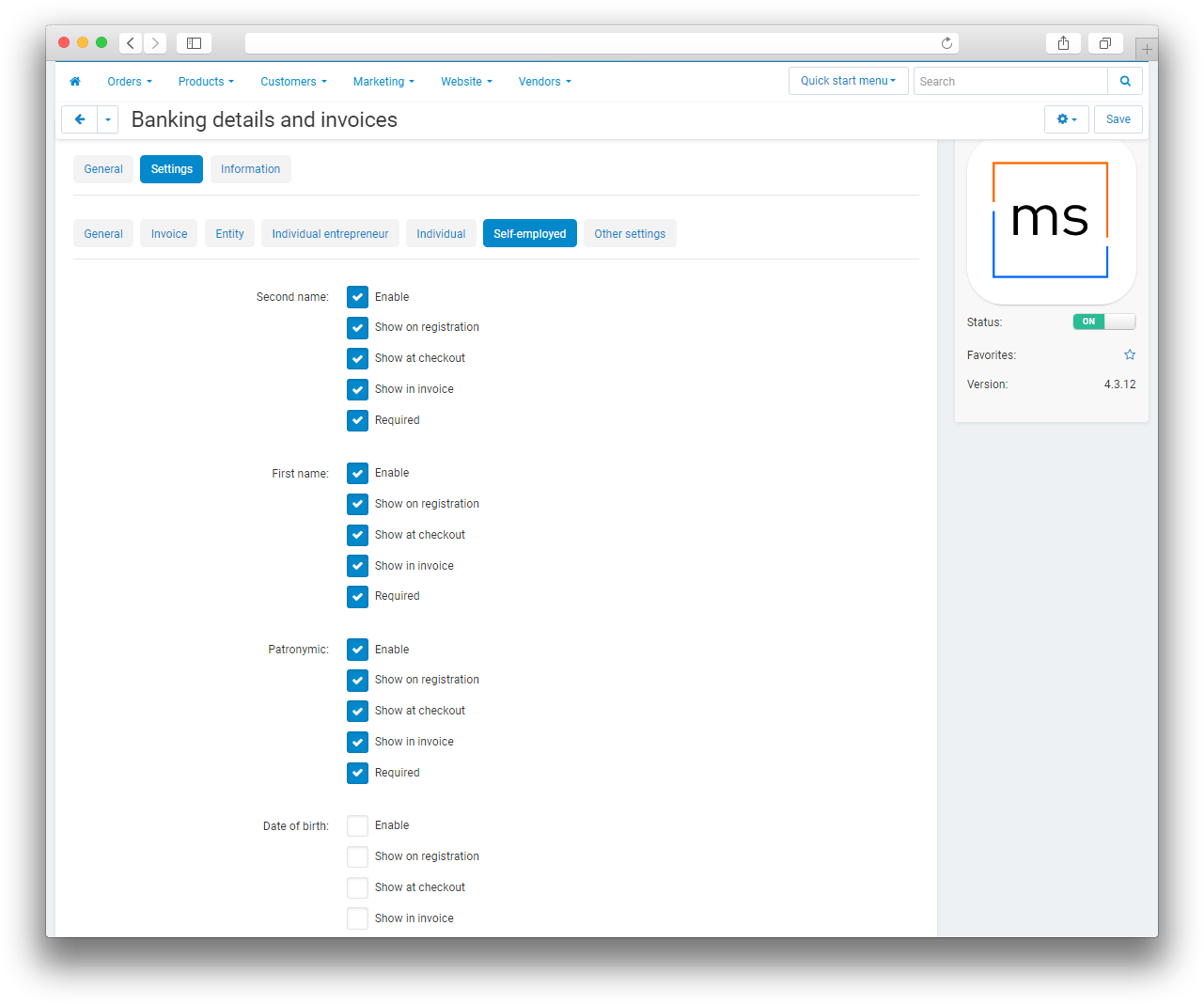
The add-on simplifies working with customers and vendors who need to provide their details during registration or checkout. The administrator can define the field set for each payer type, choose where the fields appear, and make selected fields required.
Customers can save organizations in their profiles and select them for repeat orders without entering the same information again.
Key features
- Separate sets of details for legal entities, sole proprietors, individuals, and self-employed customers.
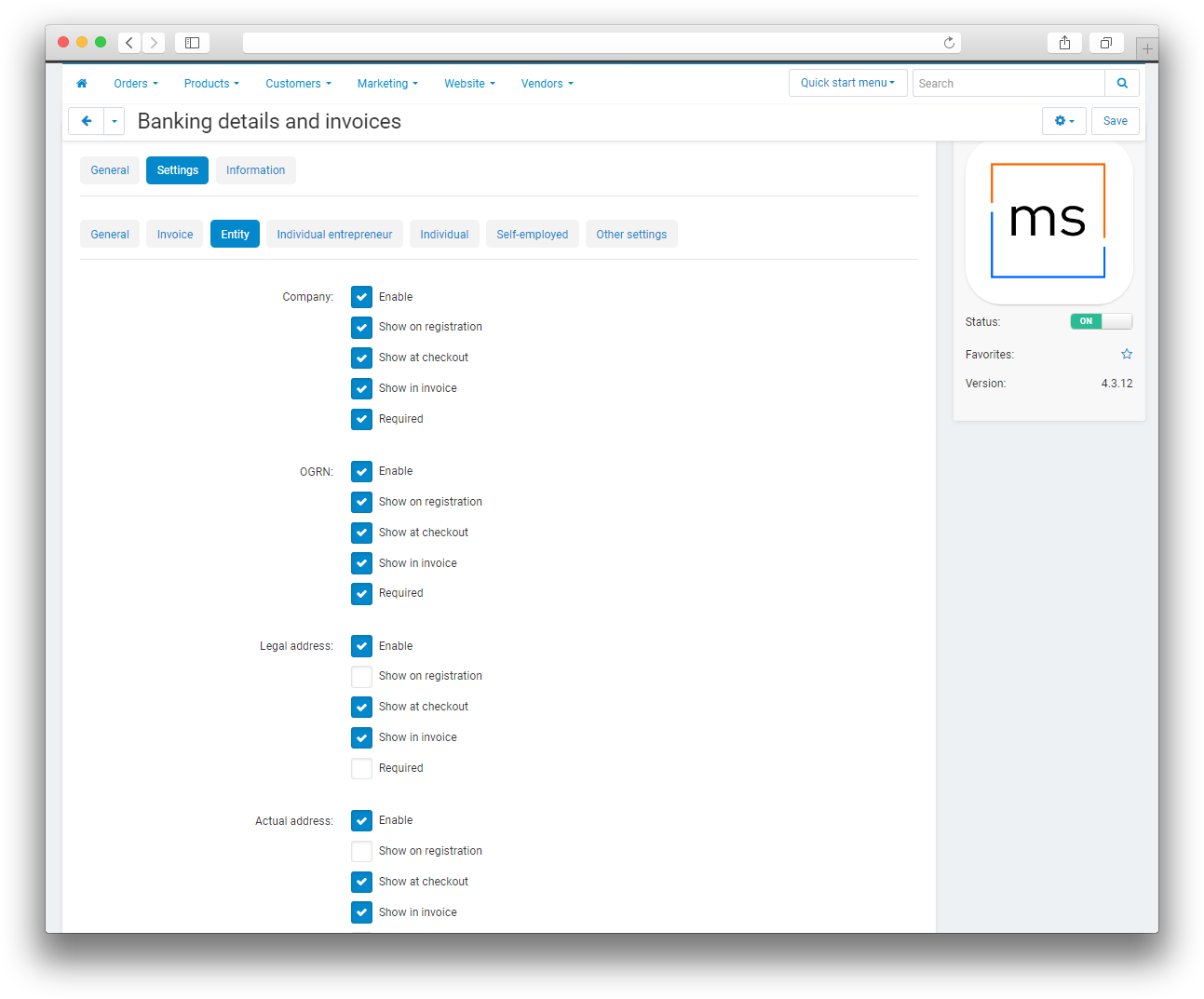
- Control over which fields appear during registration, checkout, and invoice generation.
- Required-field settings for each payer type.
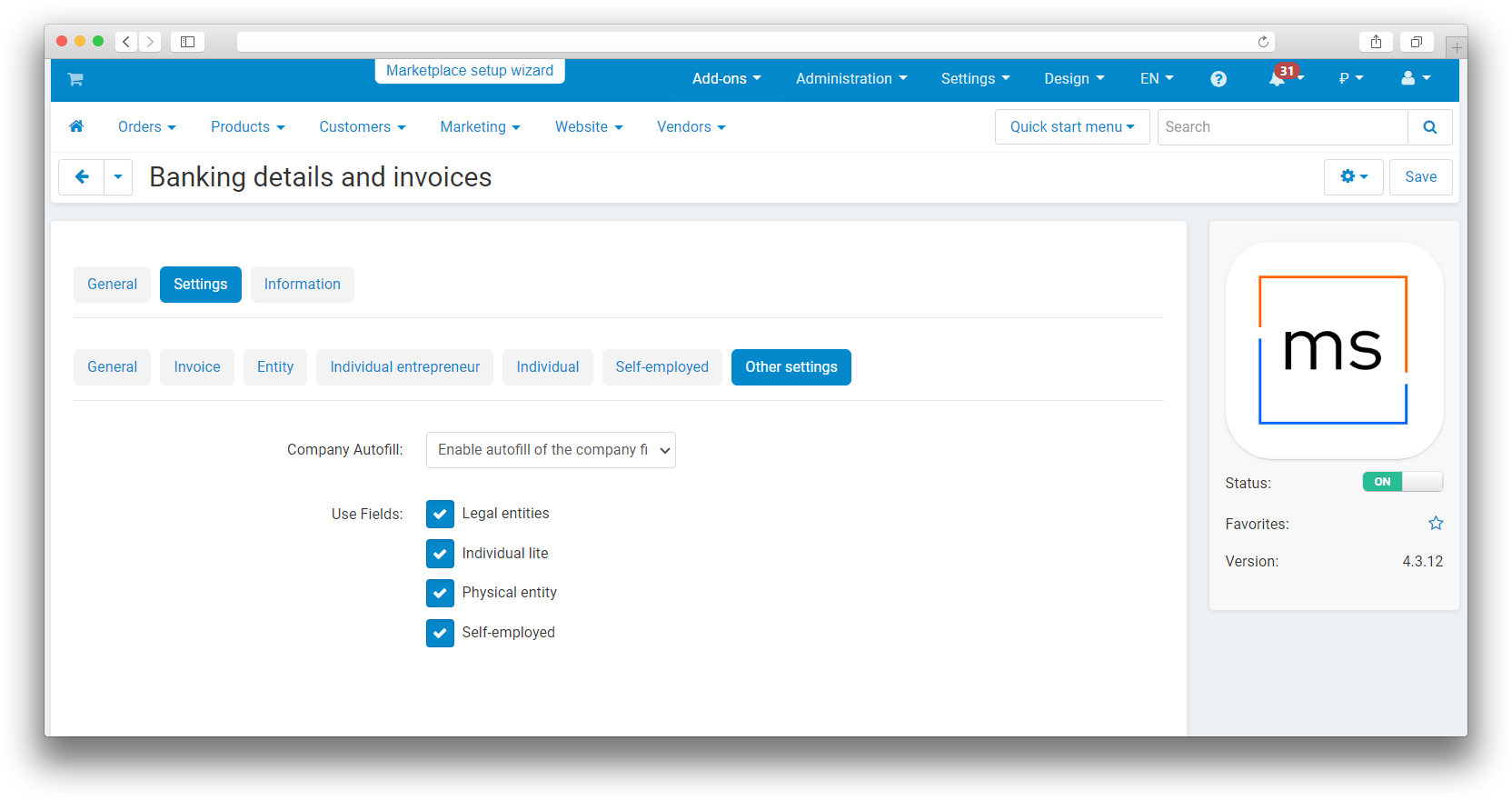
- Automatic organization data entry by TIN or company name through DaData.
- Details displayed in customer and vendor profiles and during checkout.
- Creation, saving, editing, and selection of organizations in the “My organizations” section.
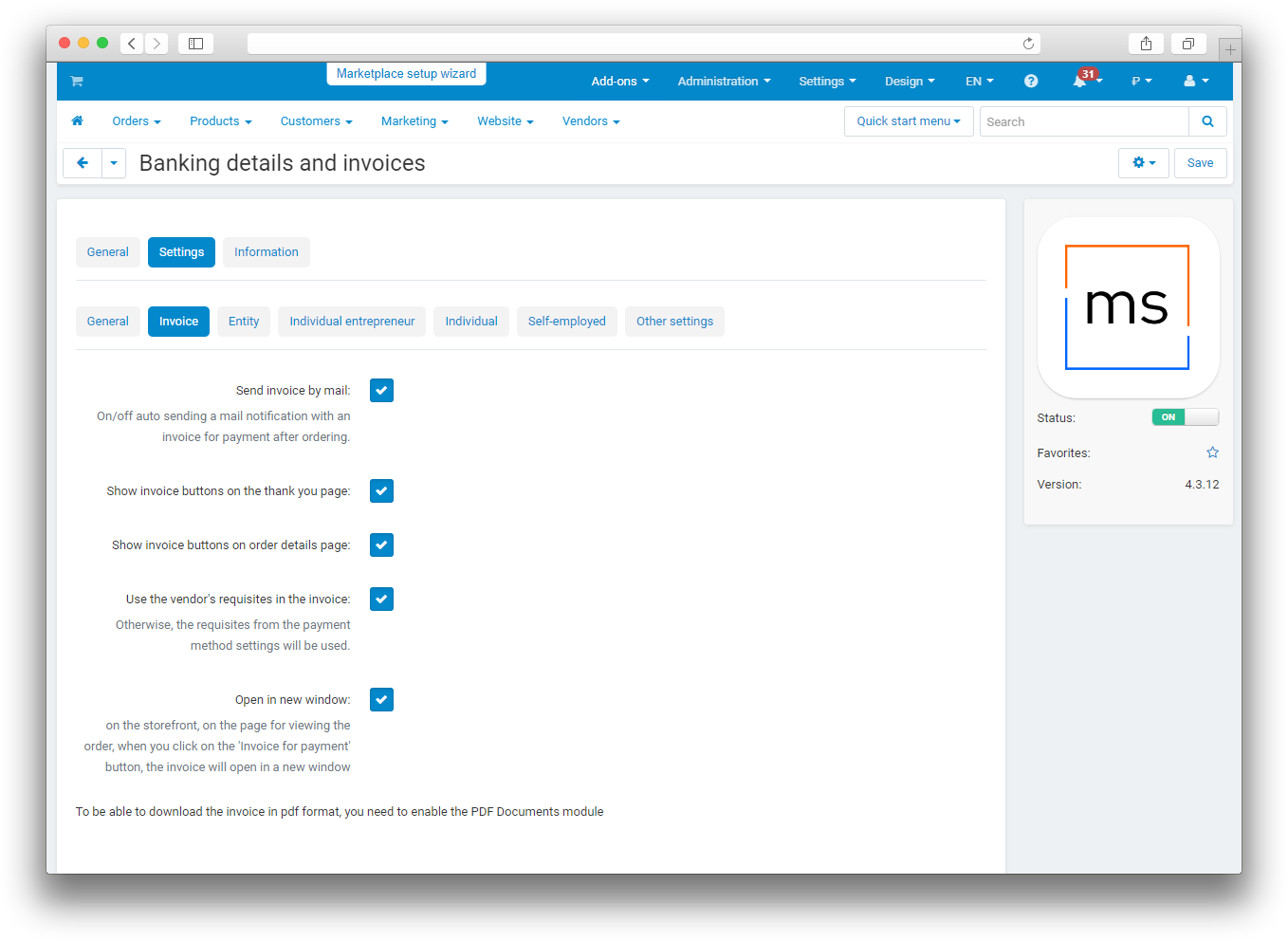
- Invoice generation with customer and vendor details.
- Invoice printing, PDF download, and email delivery.
- Key organization details displayed in the order list and order details.
How it works
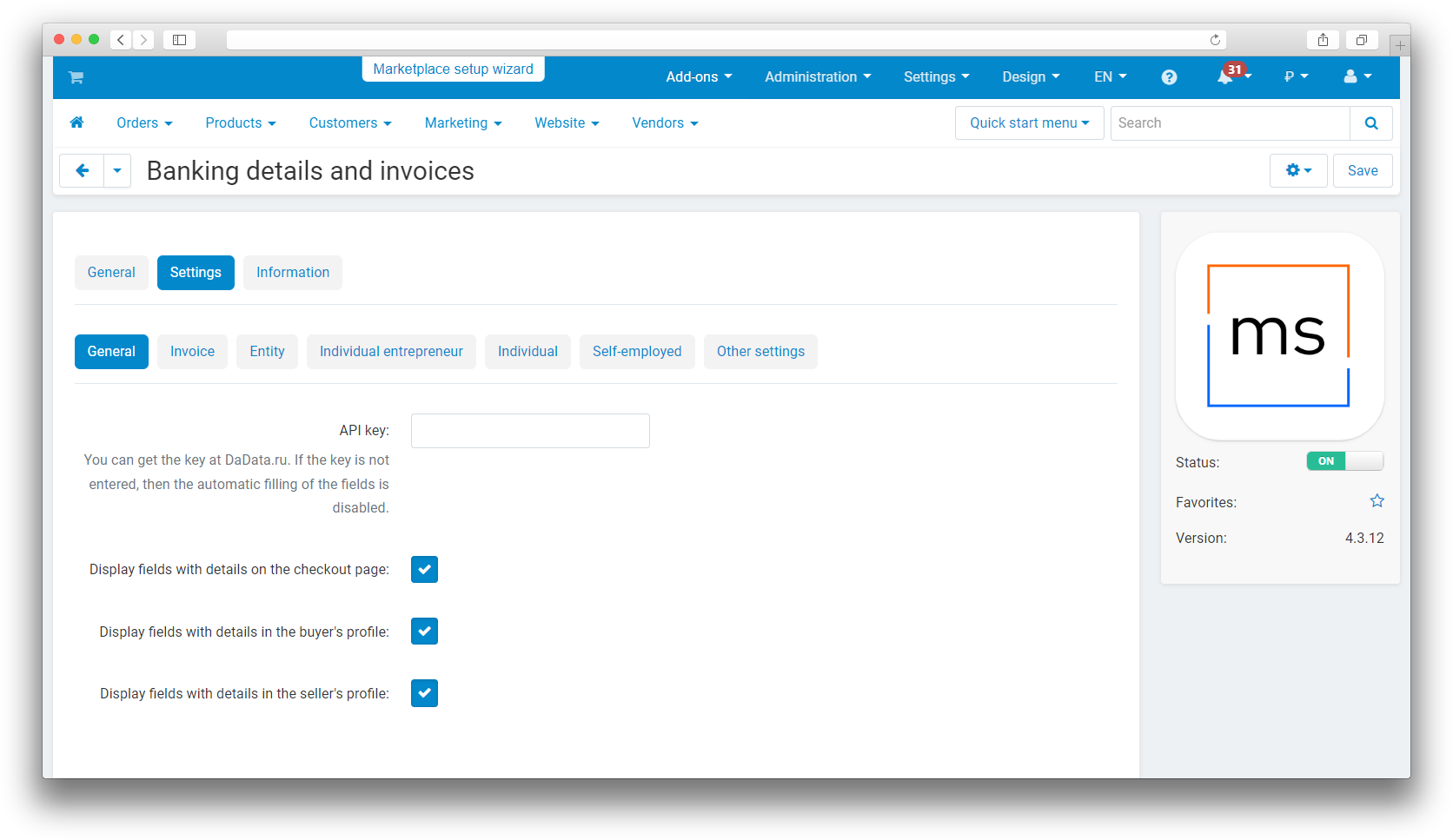
The administrator enters a DaData API key, selects the available payer types, and configures the requisite fields. For each field, the administrator can choose where it appears, whether it is required, and whether it must be included in the invoice.
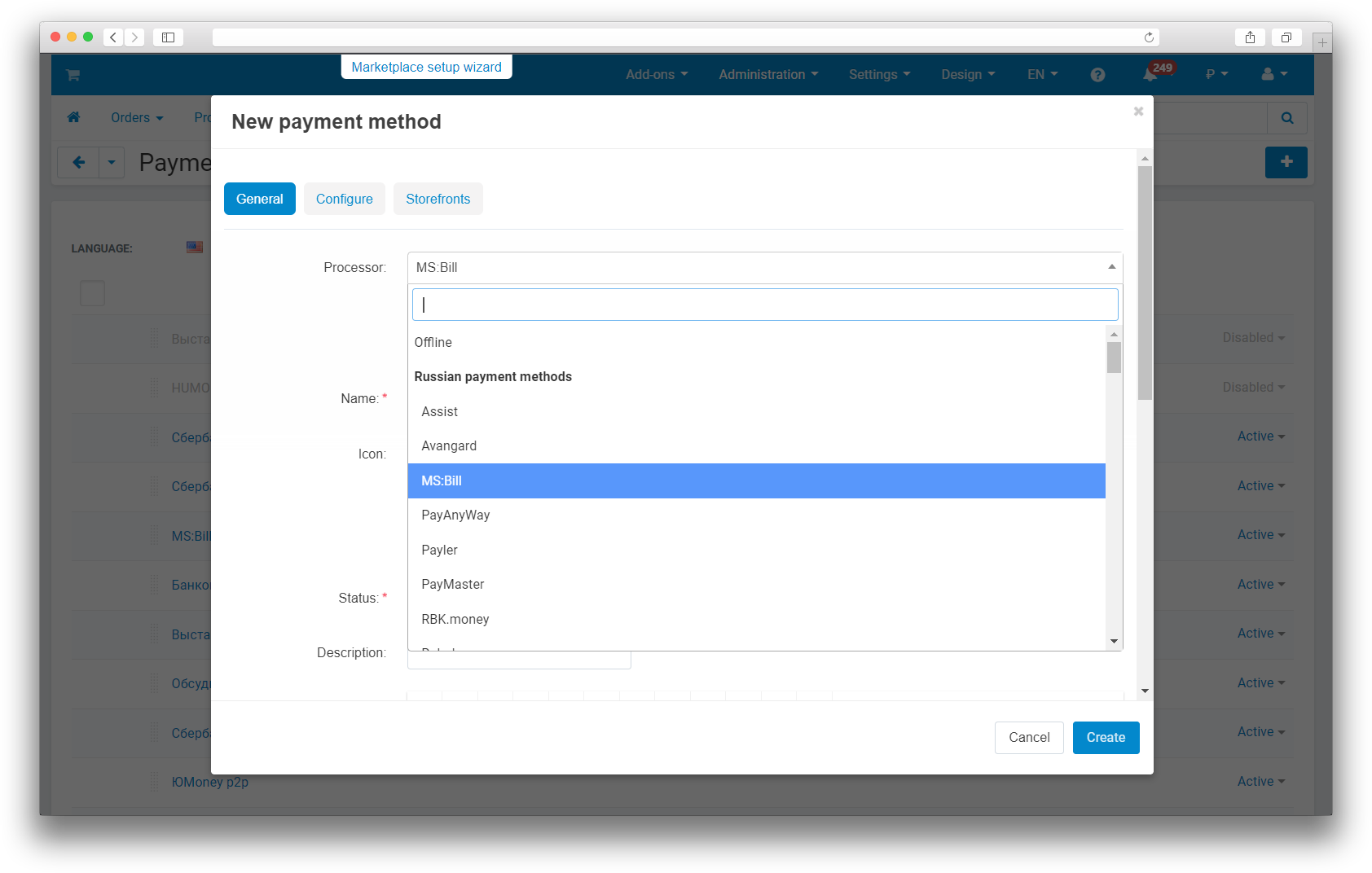
To issue invoices, the administrator creates the “MS: Issue an invoice” payment method and enters the recipient's details. During checkout, the customer can enter data manually, select a saved organization, or use DaData suggestions. After the order is placed, the invoice can be opened for printing, downloaded as a PDF, or emailed to the customer.
Have questions about the add-on?
