


This add-on is part of our Subscription plan.
Subscribe once — enjoy all add-ons without limits.
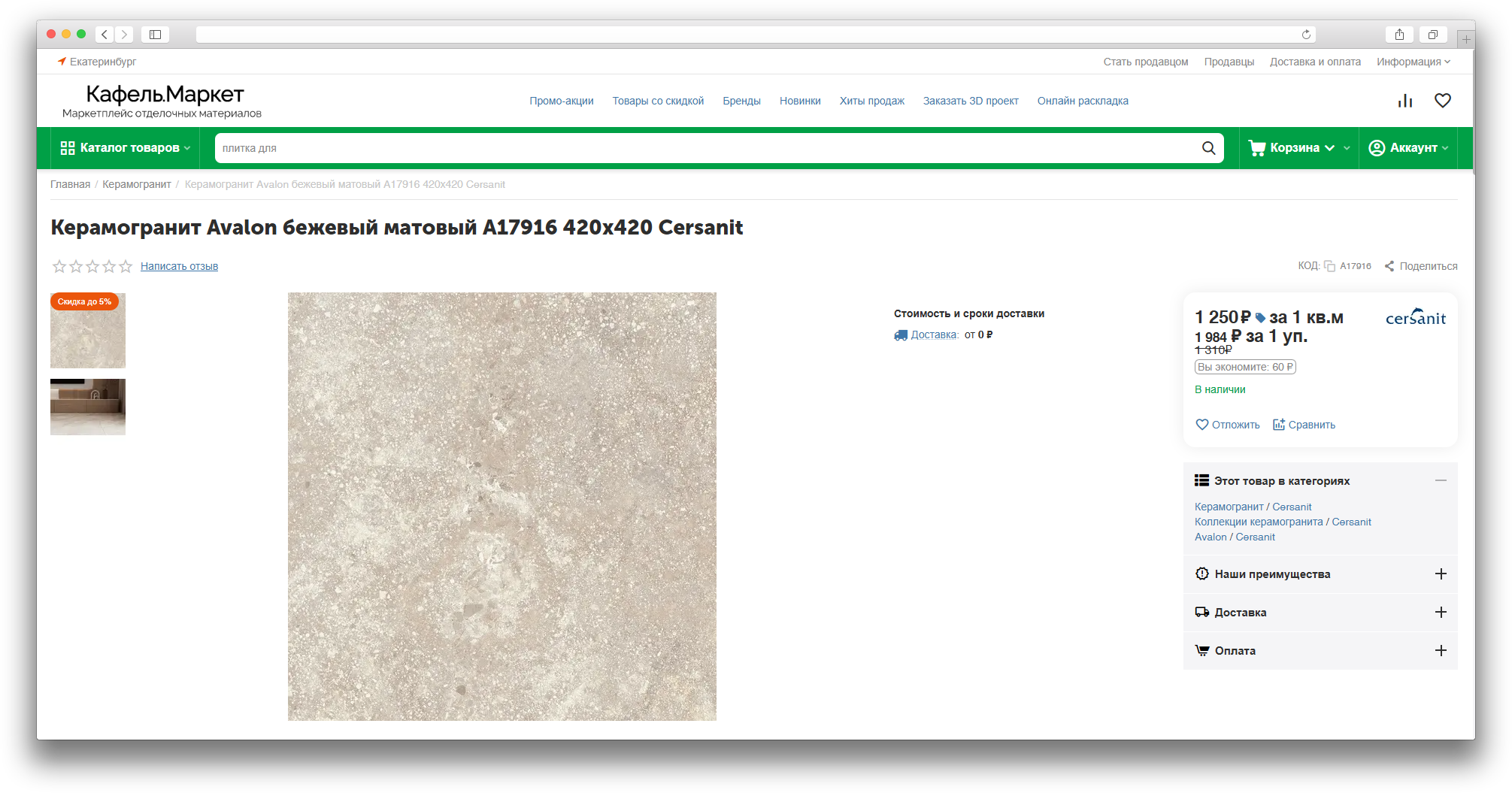
The MS: Fractional Stock add-on helps sell products in fractional or step-based quantities: by weight, volume, length, package, or other units of measure.
It is useful for grocery, building materials, textile, liquid, and similar stores where customers need to choose an exact quantity instead of only whole pieces.
Purpose
The add-on lets the administrator define a product unit of measure, quantity step, minimum quantity, and maximum quantity, while customers see and choose the correct quantity on the storefront, in the cart, and during checkout.
Main features
- selling products with fractional quantities, such as 0.5 kg, 1.25 l, or 2.5 m;
- setting a unit of measure per product or using a global default unit;
- setting a quantity step, minimum value, and maximum value;
- correct quantity rounding when a product is added to cart or an order is changed;
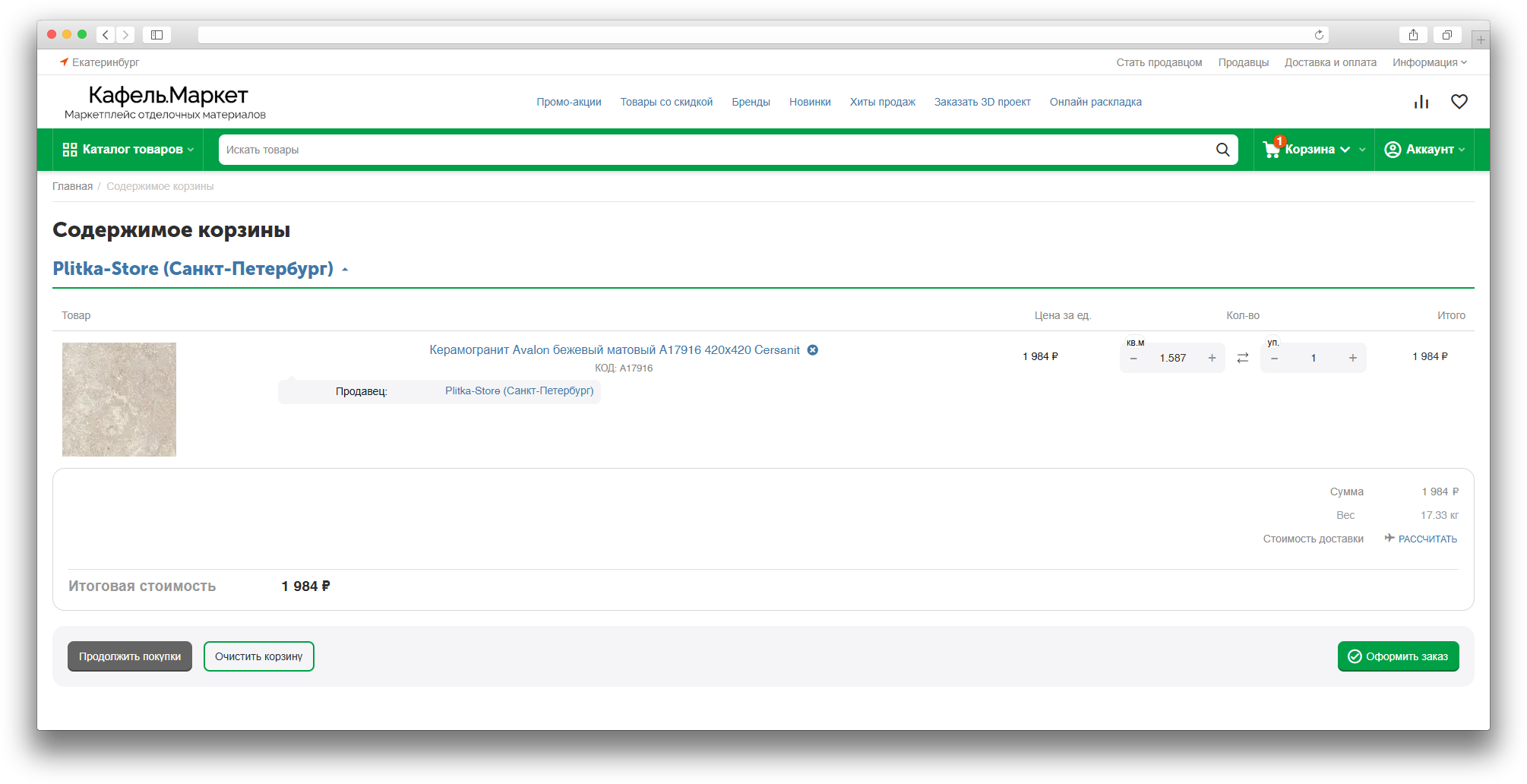
- showing the unit of measure near the quantity on the storefront, in the cart, and on checkout;
- working with bulk product update;
- compatibility with the updated checkout product list in the Convenient Cart add-on.
How it works
The administrator enables fractional stock globally or for selected products, then sets the unit of measure and quantity rules. Customers enter quantity manually or change it with buttons, and the add-on adjusts the value to the allowed step and checks limits.
On checkout, quantity can be changed without returning to the cart. When used together with the Convenient Cart add-on, the product list keeps units of measure, old price display, and correct totals update.
Location in admin
Main settings are available in Add-ons → Manage add-ons → MS: Fractional Stock. Product-specific settings are available in the product editing page, and multiple products can be updated through bulk product update.
Have questions about the add-on?
- Store Builder
- Store Builder Ultimate
- Multi-Vendor
- Multi-Vendor Plus
- Multi-Vendor Ultimate
- Buyers
- Owners
- Vendors
- English
- Русский
- 4.18.X
- 4.17.X
Installation
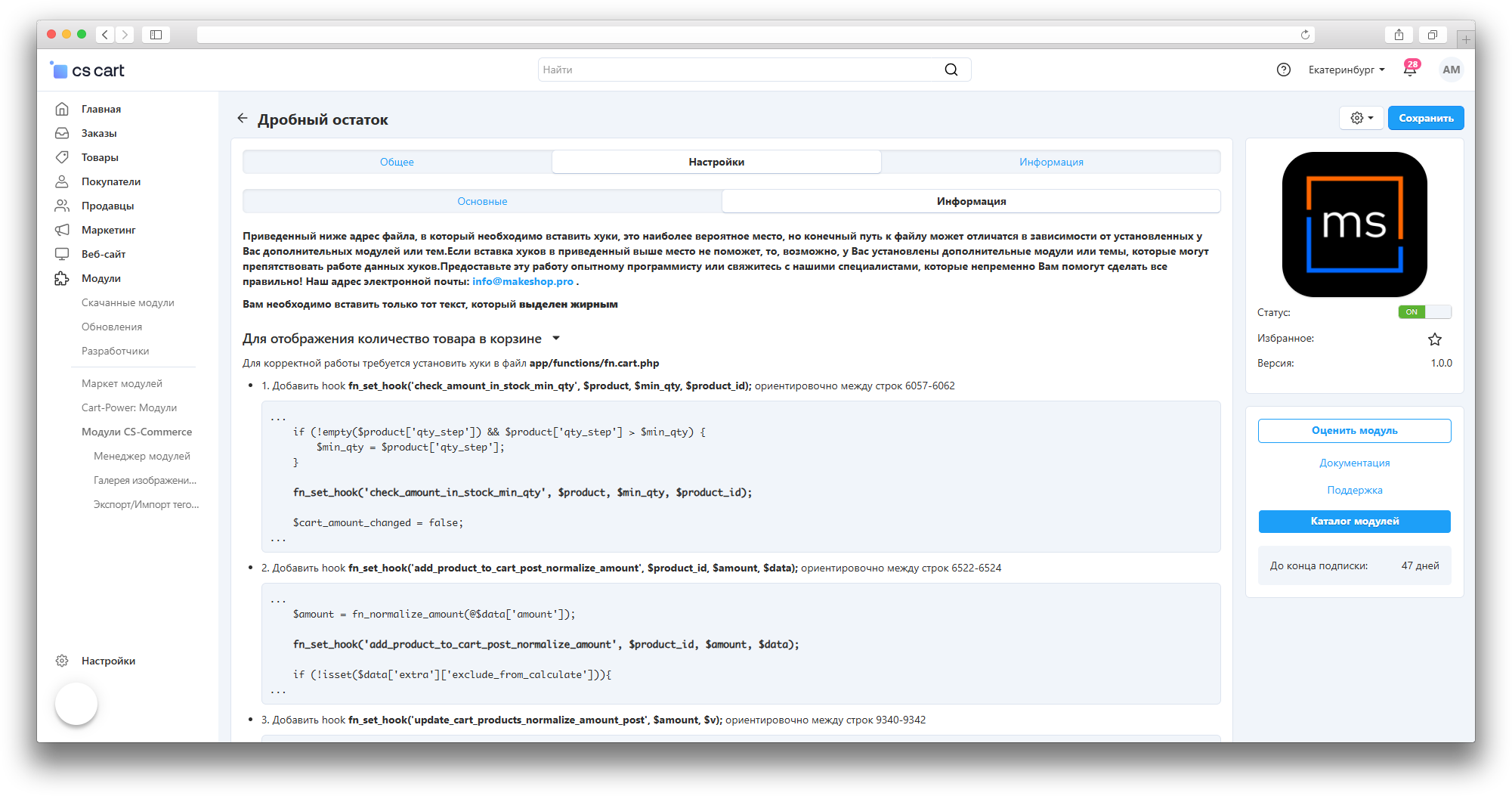
- Ensure the addon is activated in Administration → Add-ons → Manage add-ons
- The addon auto-installs in MULTIVENDOR and ULTIMATE
- Important: Conflicts with
csc_fractional_stock— cannot use both - After installation, open the add-on settings and set the default values
Configuration
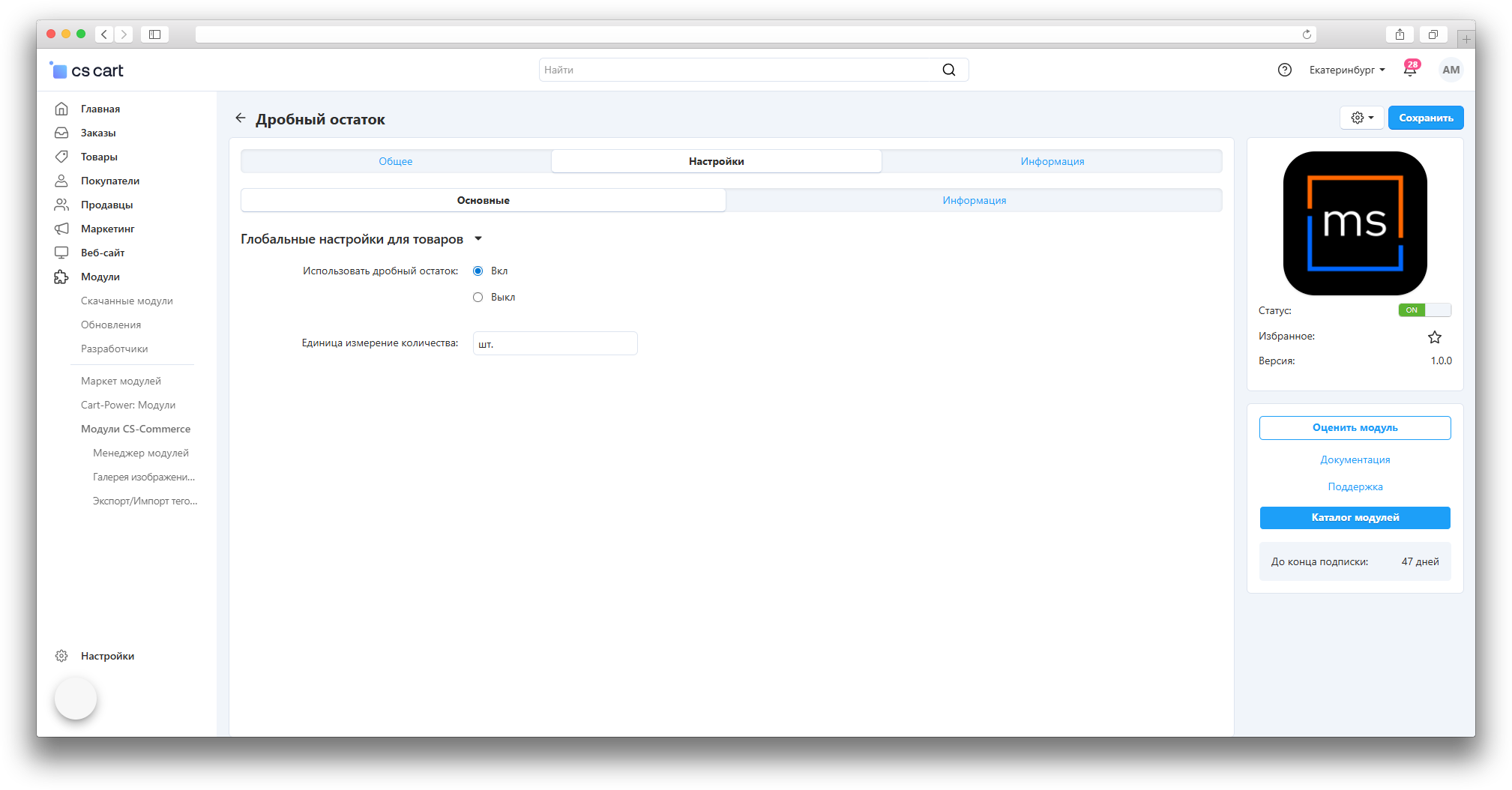
- Go to Administration → Add-ons → Manage add-ons → MS: Fractional Stock
- Global settings: enable «Use fractional remainder», set default unit (pcs., kg, l)
- Save changes
Usage for administrator
Product setup: open product card, find «MS: Fractional Stock» section. Configure: use fractional remainder, global settings, unit of measure, quantity step, min and max quantity.
Bulk update: Administration → Products → Bulk edit — select products and configure fractional stock parameters.
Usage for customer
On a product page with fractional stock enabled, customers can enter a fractional quantity (1.5, 2.3). Quantity is rounded to the configured step. The cart and checkout page show the fractional quantity with its unit.
When used together with the Convenient Cart add-on, customers can change fractional quantity directly on checkout with buttons or manual input without returning to the cart.
Examples
- Food: unit «kg», step 0.1 — order 1.5 kg, 2.3 kg
- Liquids: unit «l», step 0.1 — order 0.5 l, 1.2 l
- Packages: unit «pkg», step 0.5 — order 1.5 packages
Verification
Configure product with fractional remainder, open storefront page, verify fractional input and step rounding. Check min/max limits.
Troubleshooting
- Fractional quantities not working — check addon activation and product settings
- Quantity not rounding — check quantity step
- Limits not working — check min/max settings
Changelog
v1.3.1
New features and improvements:
- Added compatibility with the Convenient Cart add-on: products with fractional stock are displayed and edited correctly on checkout.
- Quantity updates on checkout now support increase/decrease buttons, manual input, and recalculation without a page reload.
Changed:
- Improved checkout product list display: units of measure, old price, and responsive layout now appear correctly.
Bug fixes:
- Improved the visual display of out-of-stock status in the UniTheme2 theme.
- Fixed duplicate quantity update events when working together with the Convenient Cart add-on.
- Fixed overlapping elements in the delivery block after products are updated on checkout.
v1.3.0
19.03.2026
Changed:
- Updated the product display template on the checkout page for UniTheme2.
- Unified code style according to CS-Cart standards.
Bug fixes:
- Fixed product quantity display in the cart so it looks the same as on the product page.
- Fixed a fractional stock settings migration issue during add-on update.
- Removed dependency on unused CommerceML data from the cart request.
v1.2.0
23.02.2026
New features and improvements:
- Added unit of measure and quantity step data to the storefront cart API.
Changed:
- Updated the add-on template.
Bug fixes:
- Fixed adding a common product from the product page to the wishlist so the product is not added twice.
v1.1.0
08.09.2025
New features and improvements:
- Added support for fractional product quantities in the mobile app cart.
Changed:
- Changed the algorithm for determining the minimum product order quantity.
- Standardized the add-on.
Bug fixes:
- Fixed an issue with removing products from the cart.
v1.0.0
25.04.2025
New features and improvements:
- Initial add-on release.
Here you can share your opinion and evaluate our work.
Your feedback helps us become better and offer you even better service.