
Save 83%



This add-on is part of our Subscription plan.
Subscribe once — enjoy all add-ons without limits.
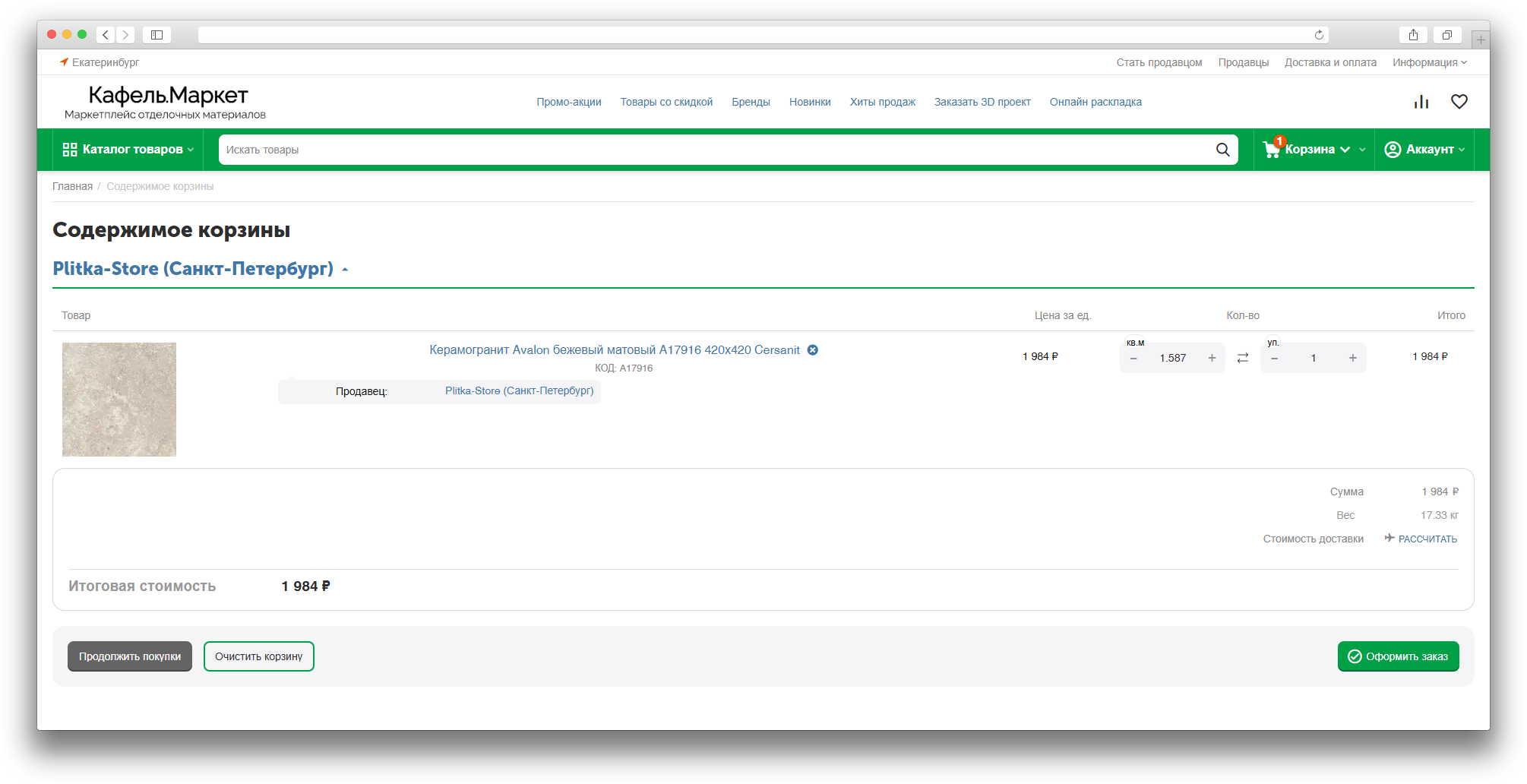
The MS: Fractional Stock add-on helps sell products in fractional or step-based quantities: by weight, volume, length, package, or other units of measure.
It is useful for grocery, building materials, textile, liquid, and similar stores where customers need to choose an exact quantity instead of only whole pieces.
Purpose
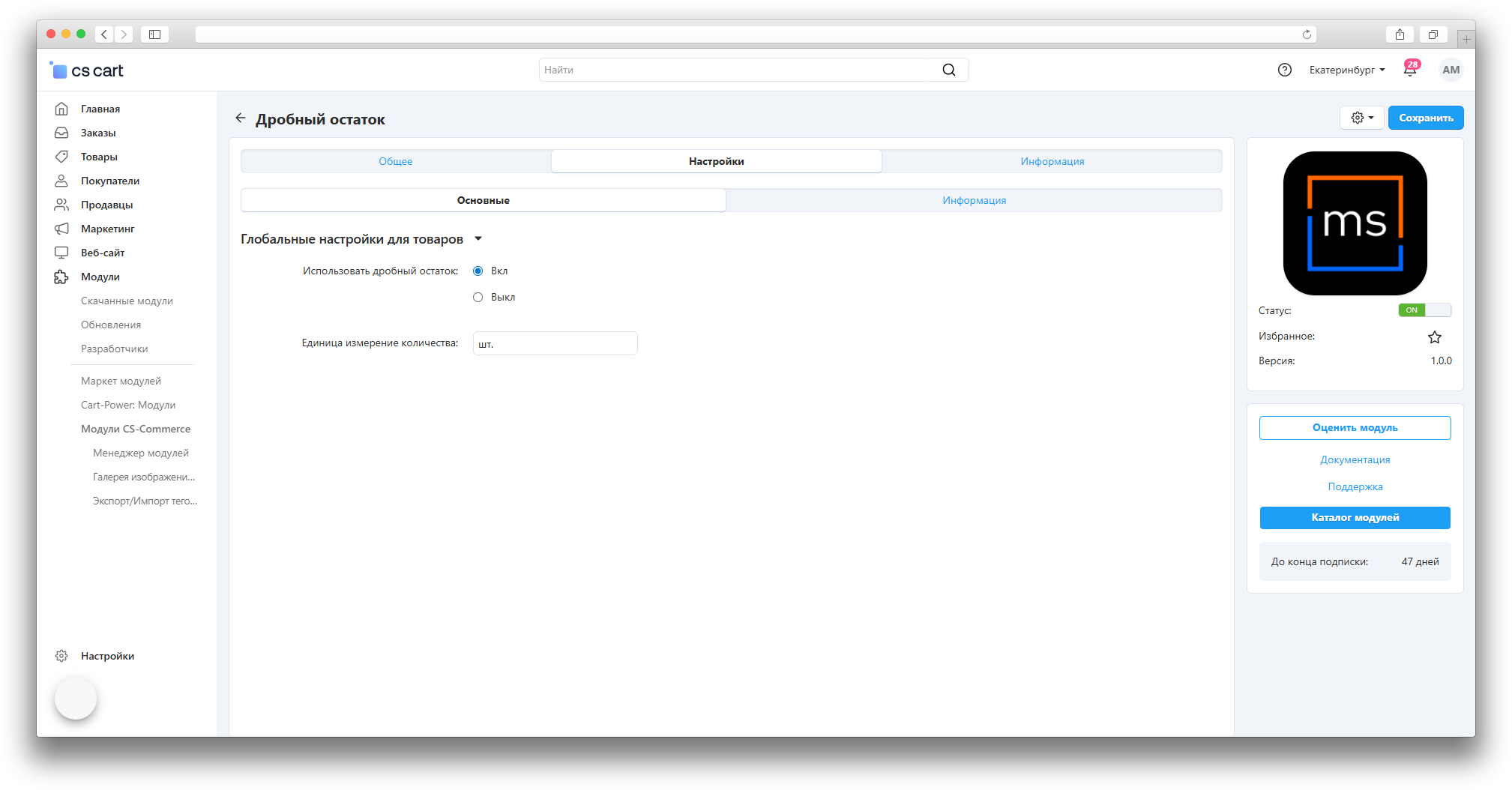
The add-on lets the administrator define a product unit of measure, quantity step, minimum quantity, and maximum quantity, while customers see and choose the correct quantity on the storefront, in the cart, and during checkout.
Main features
- selling products with fractional quantities, such as 0.5 kg, 1.25 l, or 2.5 m;
- setting a unit of measure per product or using a global default unit;
- setting a quantity step, minimum value, and maximum value;
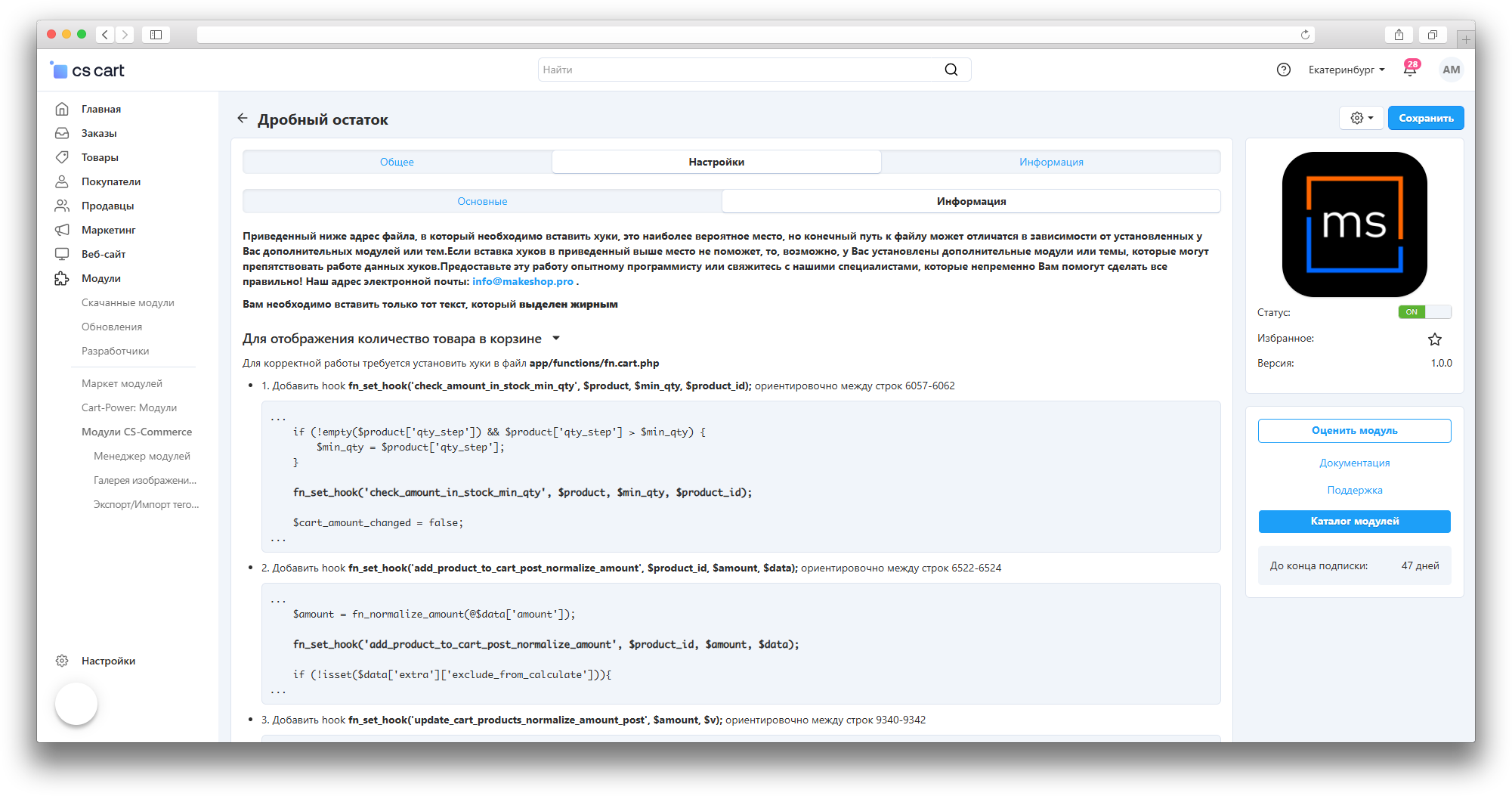
- correct quantity rounding when a product is added to cart or an order is changed;
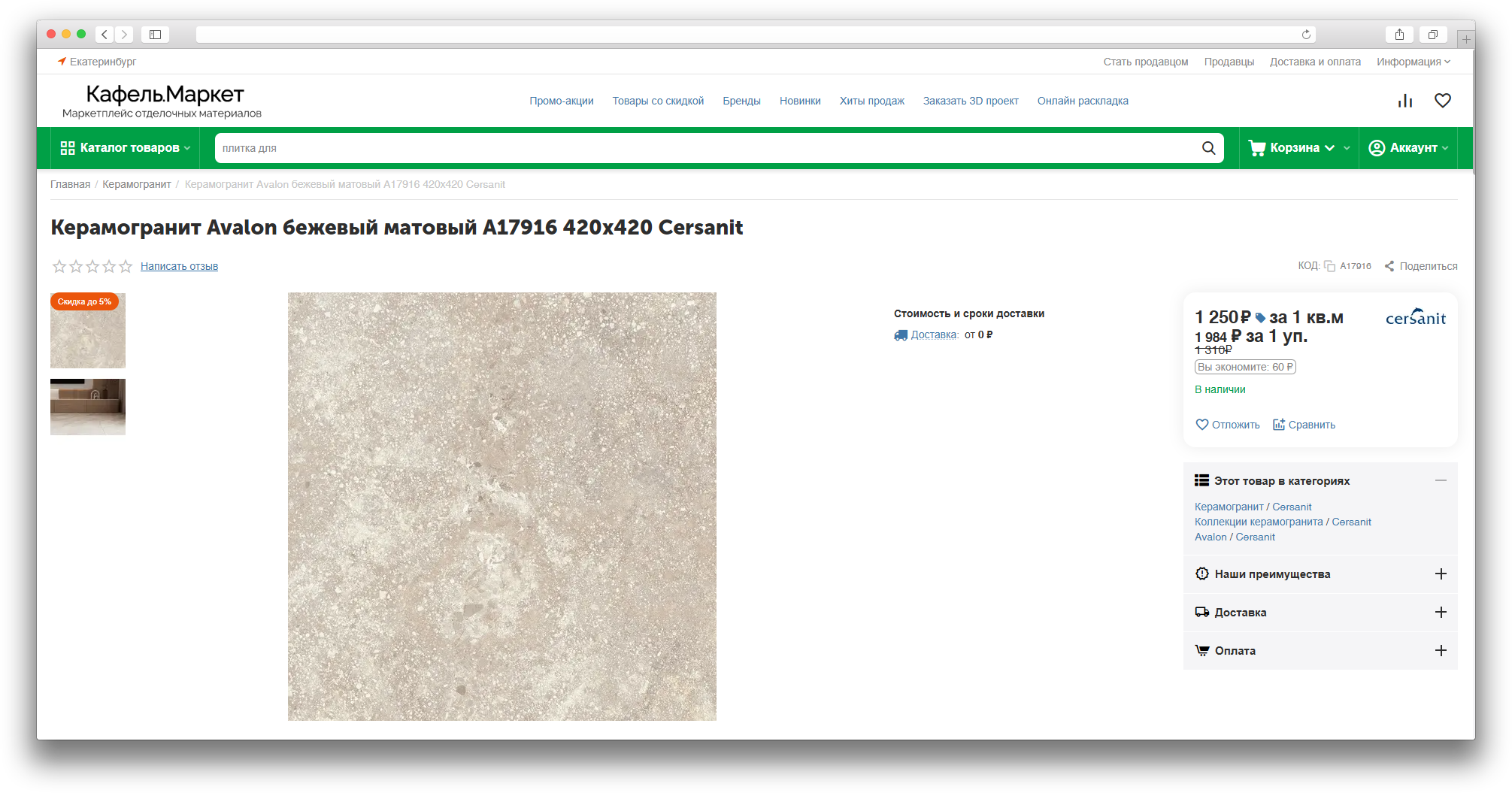
- showing the unit of measure near the quantity on the storefront, in the cart, and on checkout;
- working with bulk product update;
- compatibility with the updated checkout product list in the Convenient Cart add-on.
How it works
The administrator enables fractional stock globally or for selected products, then sets the unit of measure and quantity rules. Customers enter quantity manually or change it with buttons, and the add-on adjusts the value to the allowed step and checks limits.
On checkout, quantity can be changed without returning to the cart. When used together with the Convenient Cart add-on, the product list keeps units of measure, old price display, and correct totals update.
Location in admin
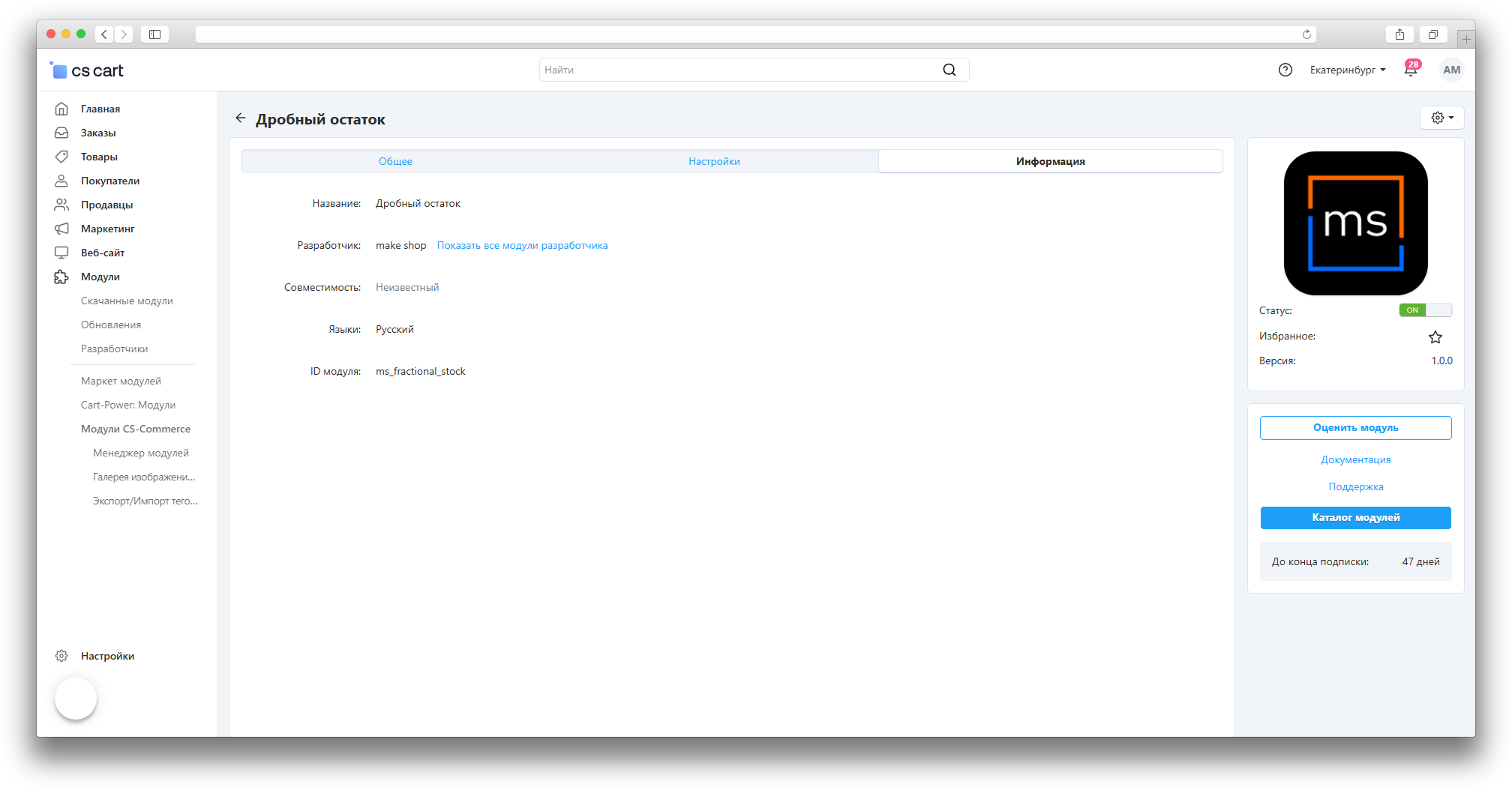
Main settings are available in Add-ons → Manage add-ons → MS: Fractional Stock. Product-specific settings are available in the product editing page, and multiple products can be updated through bulk product update.
Have questions about the add-on?
