



This add-on is part of our Subscription plan.
Subscribe once — enjoy all add-ons without limits.
Advanced product blocks
The add-on expands standard CS-Cart product blocks and helps show more relevant recommendations, random picks, and related products. It fits storefront scenarios where relevance, variety, and a clean product presentation matter.
What it is for
The add-on is useful when the default product block is not enough and you need flexible storefront product output. It helps show products from the main category of the current product, display random selections, and build related products from the selected feature value.
It is also handy when you want to show the block only for out-of-stock products or keep compatibility with the legacy recommended products filling.
Key features
- shows products from the main category of the current product while excluding the current product itself;
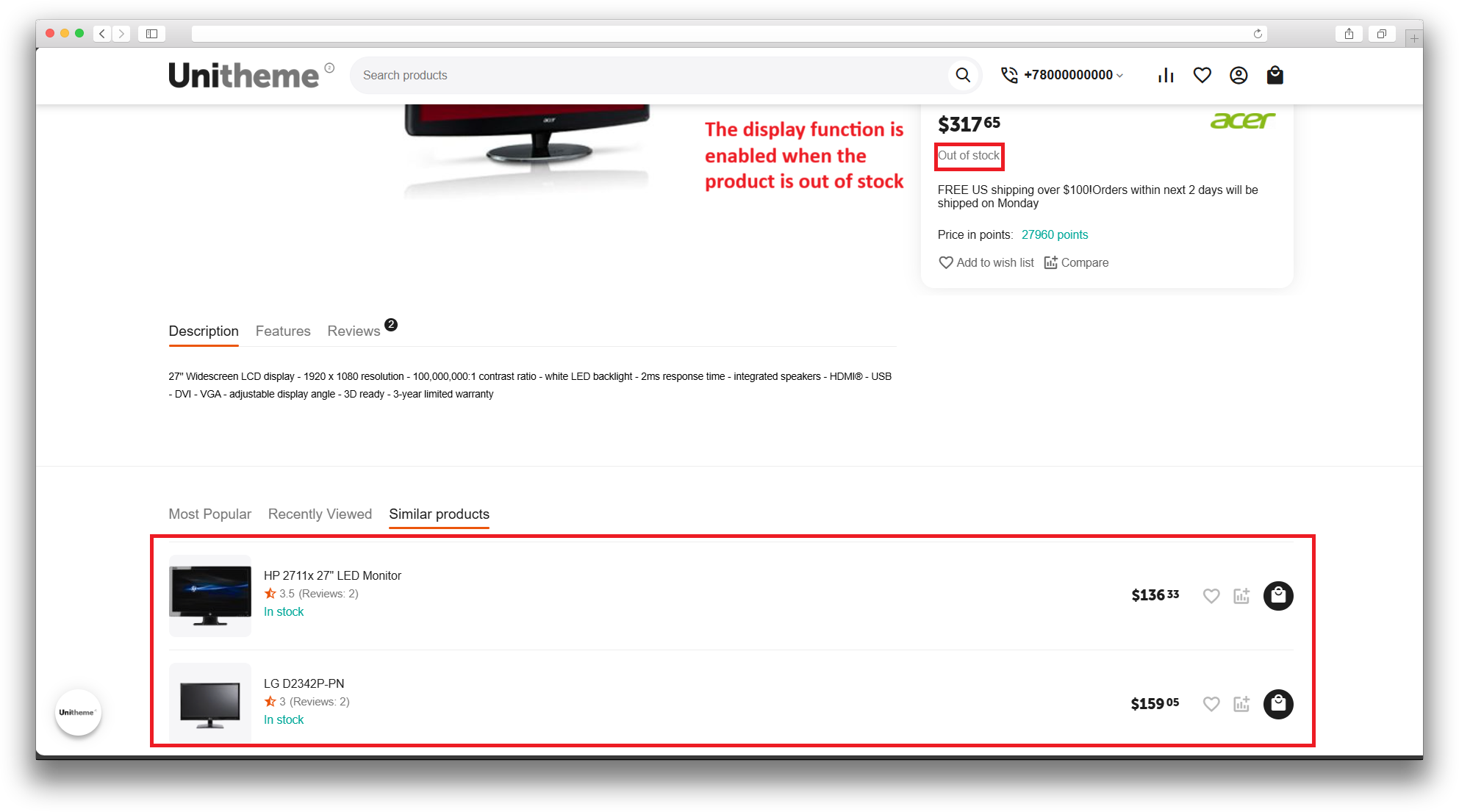
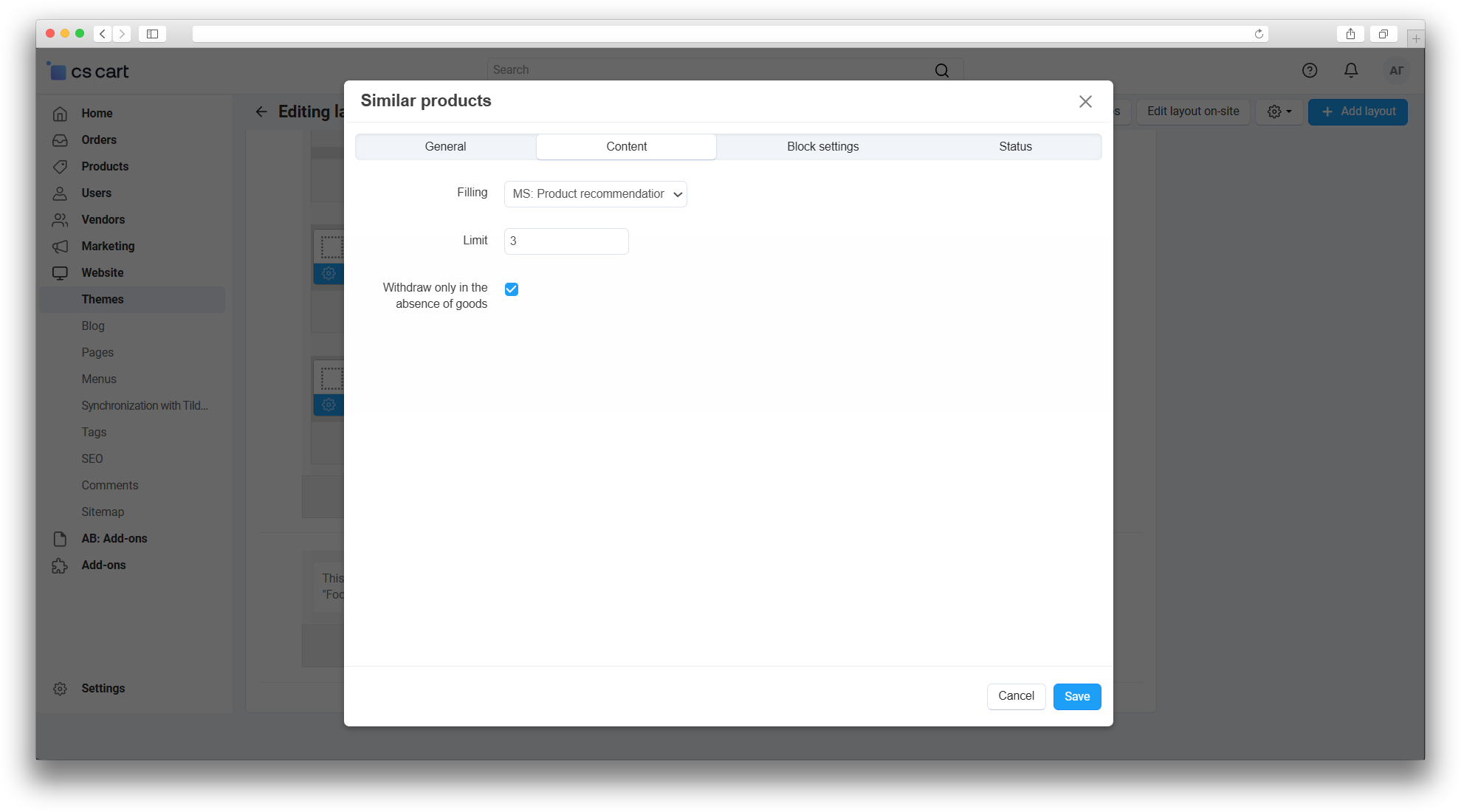
- can hide the block when the product is in stock and show it only for out-of-stock products;
- adds the “Random products” filling with limit, category, sorting, and random offset settings;
- adds the “Related products” filling based on the selected feature value;
- keeps compatibility with the legacy recommended products filling;
- works through the standard CS-Cart block manager.
How it works
After you choose a filling, the block gets products according to the add-on rules. The main-category block uses the current product’s main category, the random block selects products inside the chosen conditions, and the related-products block reads the selected feature value and finds products by the codes stored there.
For related products, the selected feature value must store product codes separated by semicolons. After that, you can place the block on product pages, category pages, the homepage, or any other storefront area where the Products block is used.
Have questions about the add-on?
