

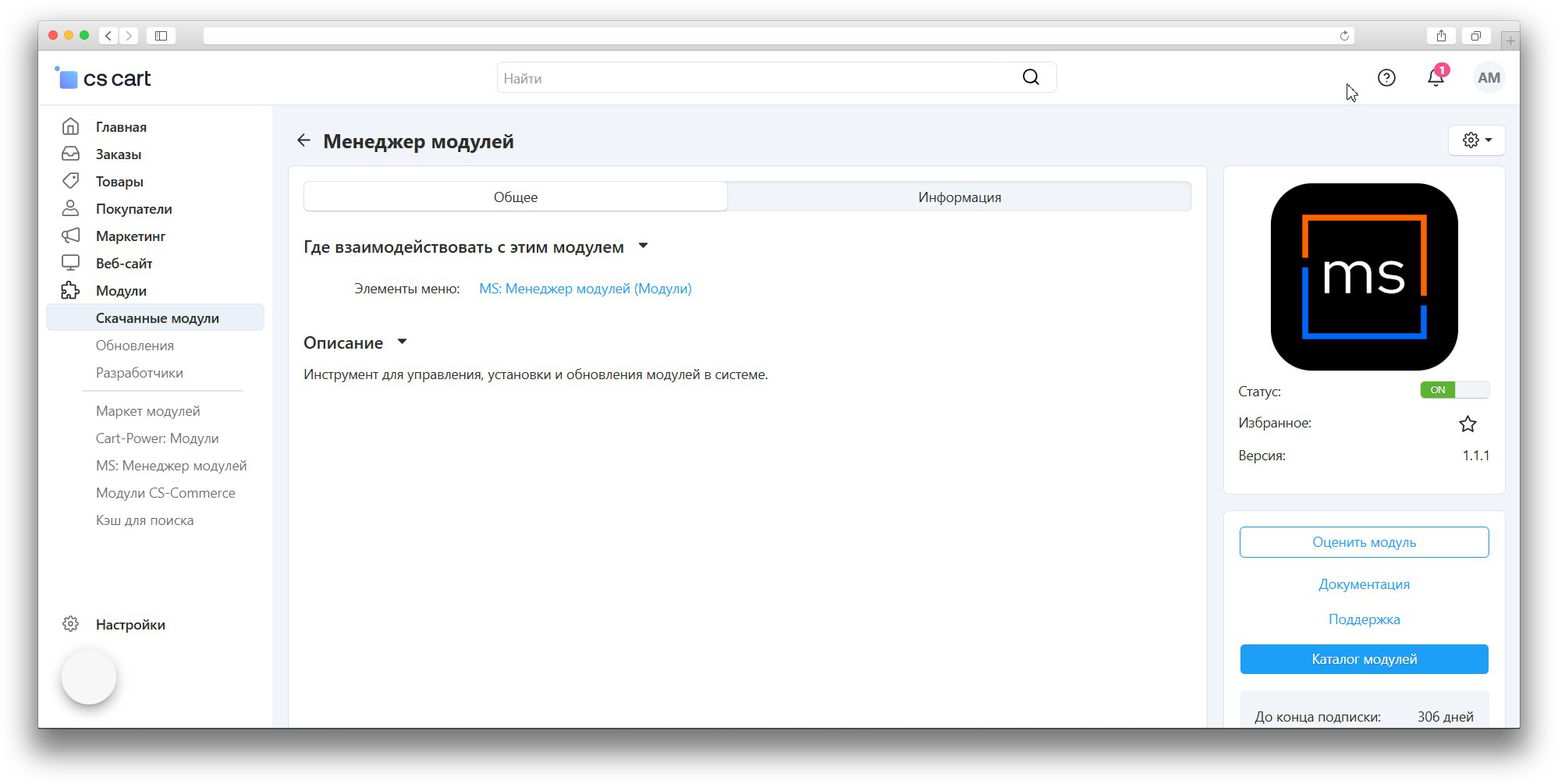


Module Manager
This add-on is part of our Subscription plan.
Subscribe once — enjoy all add-ons without limits.
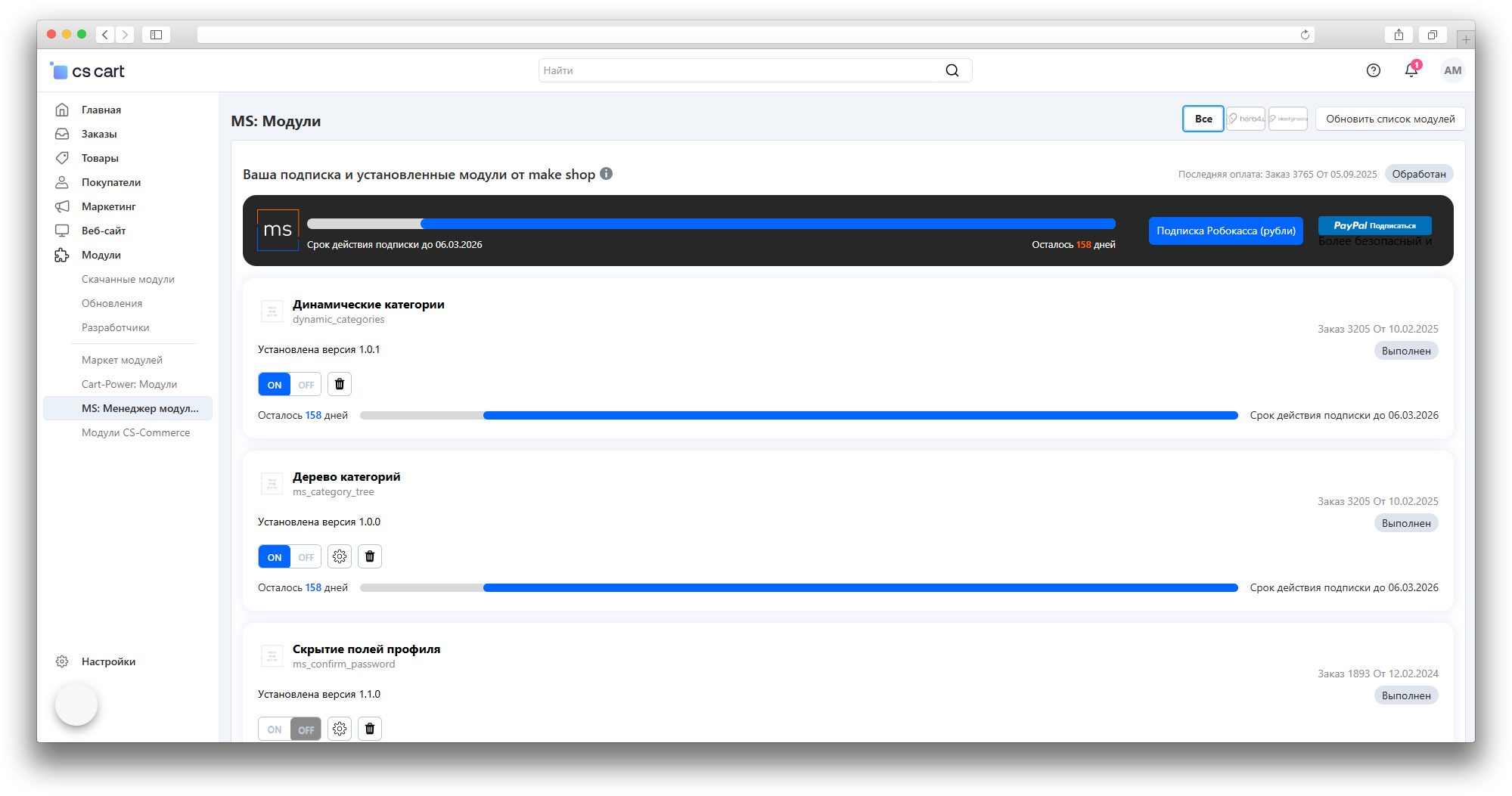
Module Manager helps a store administrator manage make shop add-ons from a single CS-Cart section: it shows the available catalog, subscription status, purchased add-ons, installed versions, and available updates.
What it is for
The add-on removes the need to check every add-on manually. In one place, the administrator sees which tools can be installed, which already run in the store, what was purchased earlier, and which updates are available with an active subscription.
It is especially useful for stores with several add-ons, where it matters to see at a glance what has been purchased, what requires a subscription, and what can be updated without searching the catalog by hand.
Key features
- the make shop add-on catalog inside the CS-Cart admin panel;
- the current subscription with its expiration date and remaining days;
- order number, order status, and purchase date when this data is available;
- the installed and the available version of each add-on;
- installation of an available add-on directly from its card;
- updating an installed add-on when the update is available with a subscription;
- a warning when a newer version is available only with an active subscription;
- catalog search and category filters;
- enabling, disabling, and removing installed add-ons when the administrator has the required permissions;
- links to the add-on page, documentation, and support;
- a log of installation, list update, and data check operations.
How it works
The administrator opens the manager section under “Add-ons → Module Manager” and sees a single list: installed add-ons, those available for installation, those purchased earlier, and those available by subscription. Each card shows the name, short description, version, installation status, order details, and subscription period when this data exists.
If an add-on is not installed yet and is available by subscription, it can be installed directly from its card. If an add-on already runs and a newer version exists, the manager shows the update button. Without an active subscription the newer version stays unavailable, while the previously purchased version keeps working on the purchase terms.
The add-on and subscription list can be refreshed manually with the “Update module list” button, which helps load fresh data after payment, subscription renewal, or changes in available versions. Installation and updates depend on an active subscription, administrator permissions, and the availability of the make shop server.
Have questions about the add-on?
